Back to Changelog
Change Email and Password Reset
Improved
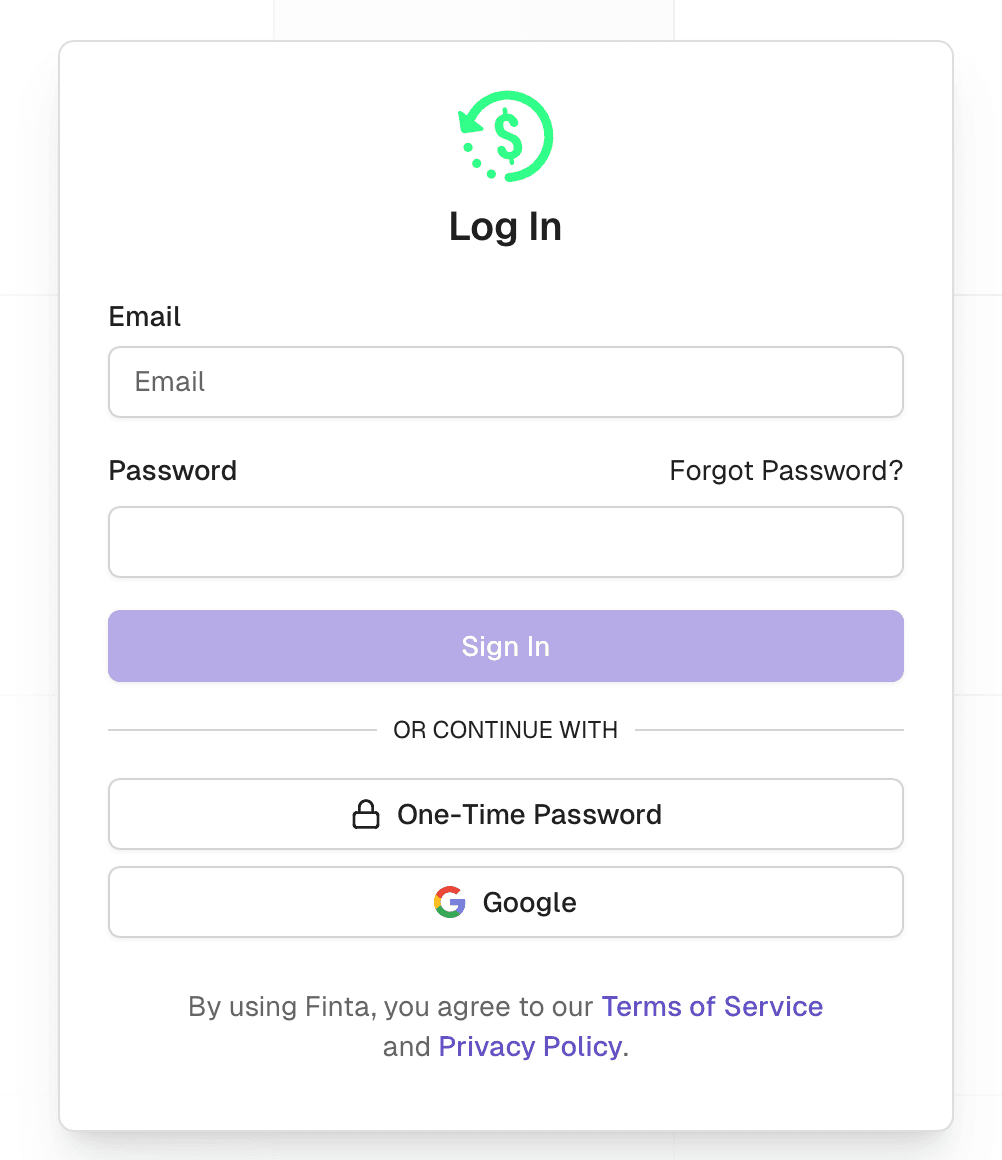
Password Reset
Have you ever forgotten your password? Now you can reset your password on the log in page.
Click on “Forgot Password?”
Enter your email
Click the link in your email
Set your new password
As always, if you know your password but want to change it or if you signed up with Google or a one-time code, you can set a password on your profile page.
Change Email
Now, you can change the email associated with your Finta account. On the profile page, enter your new email address and then click on the link sent to you via email.