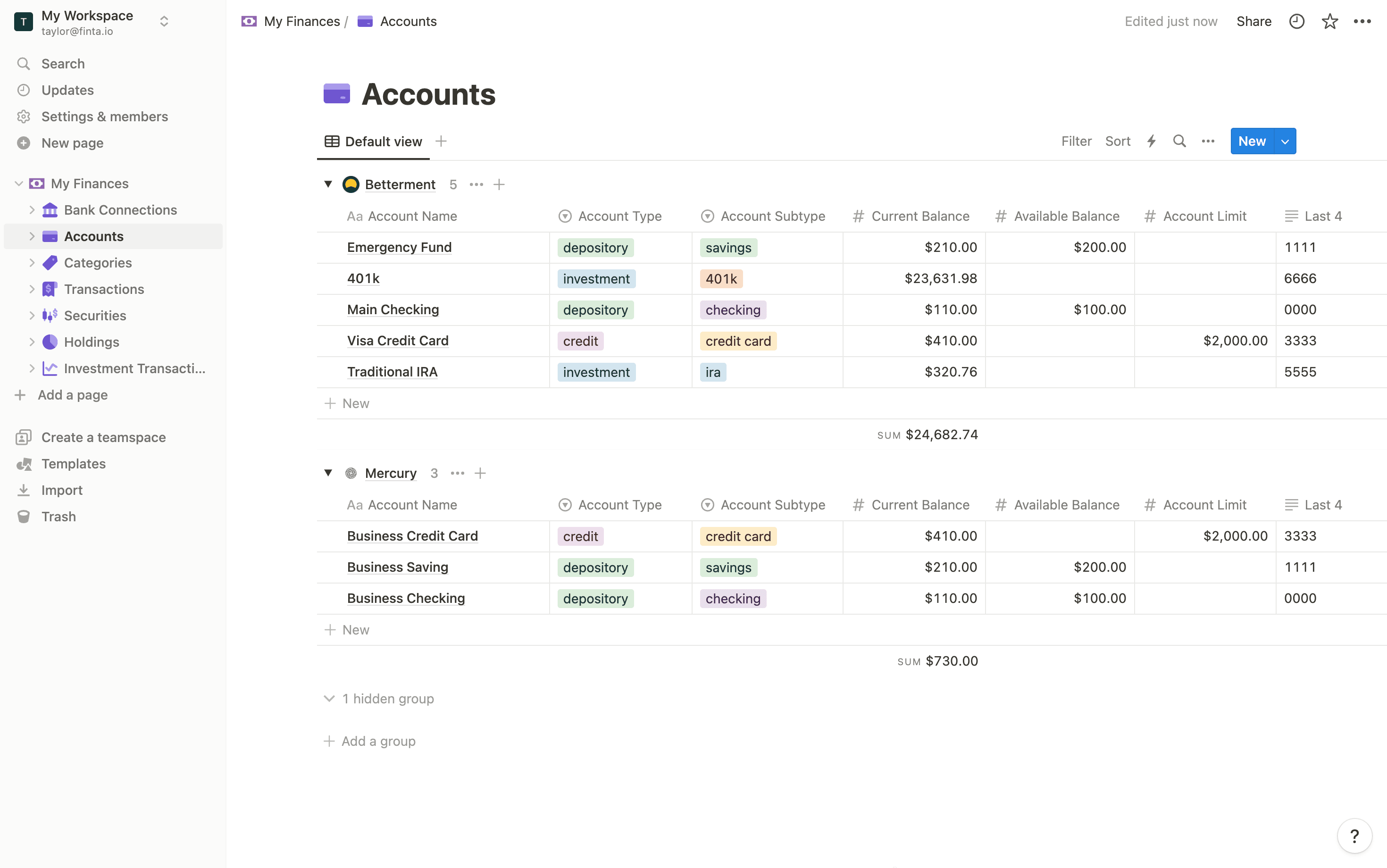
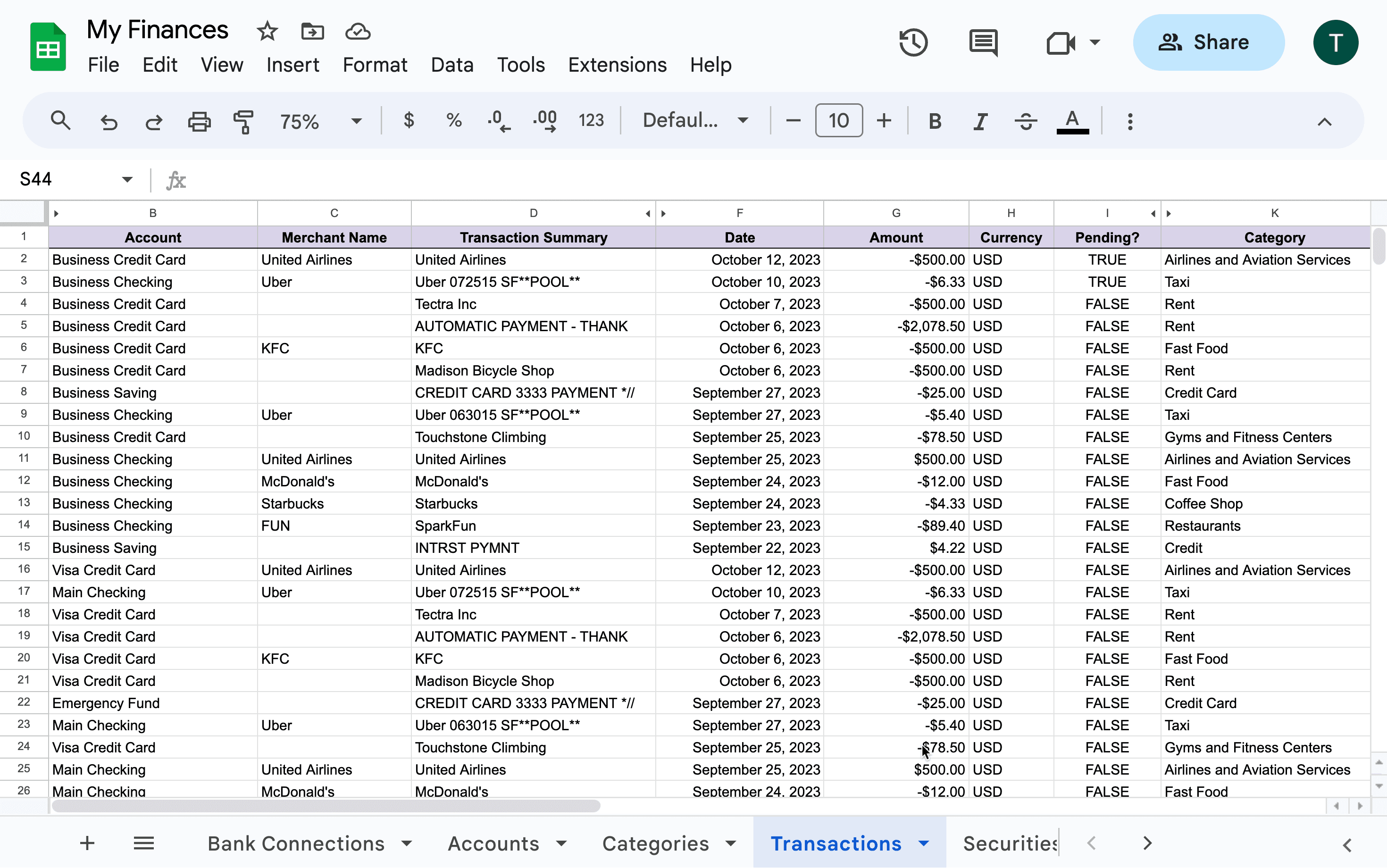
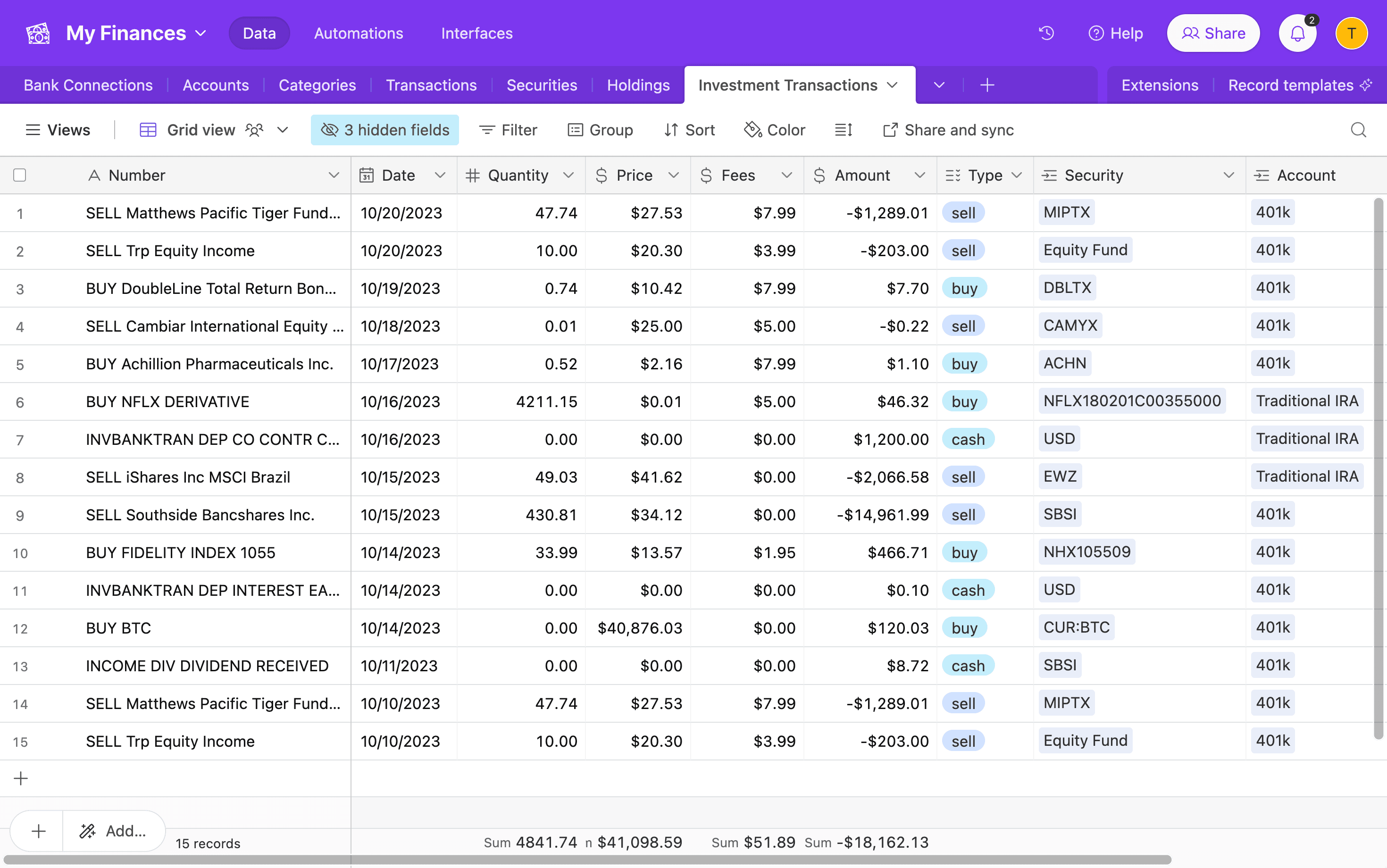
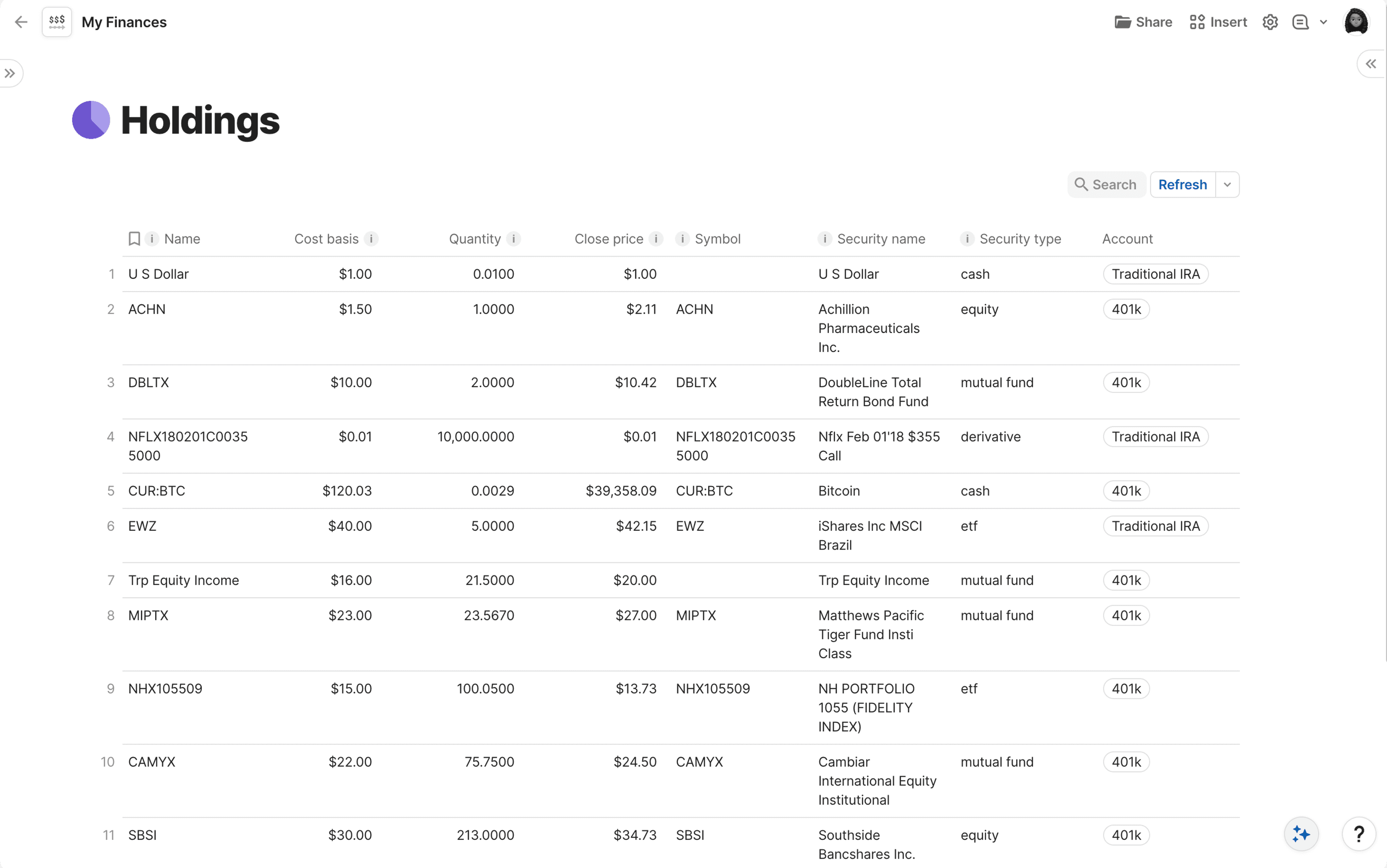
Tiller syncs bank transactions into Google Sheets. Finta syncs bank transactions, investments, and Stripe data into Google Sheets, Notion, Airtable, or Coda.
If you've outgrown Sheets-only or want investment data flowing in too, you don't have to leave Tiller.
Investments in the Same Sheet
Tiller covers bank accounts and credit cards. It doesn't sync your brokerage positions.
Finta does. Your investments land in the same sheet (or database) as your transactions, on the same schedule. Net worth lives where your spending does. No second spreadsheet to maintain.
More Than Sheets
Finta writes to four places:
- Google Sheets: the same shape Tiller writes to. Keep what you already built.
- Notion: a database. Build relations, views, and dashboards a spreadsheet can't.
- Airtable: a relational base. Useful for households or anyone modeling categories on top of transactions.
- Coda: a doc. The Finta Coda Pack syncs your data into it.
If you've felt a spreadsheet's shape pushing against the system you wanted to build, Finta is the best tool to help you create your ideal system.
Keep Tiller. Add Finta.
A real pattern with Tiller users is to keep Tiller running for the Sheets workflows they've built, and add Finta for what Tiller doesn't cover: investments, a second destination, Stripe.
The templates you've spent years on are valuable. Extend them, don't throw them away.
When Tiller is the Right Choice
If Google Sheets is the only destination you want and you don't need investments or Stripe, Tiller is the right product. It does that one thing reliably, and the template community is real.
If you want any of the rest, Finta is built for it.
What Customers Say
"Finta is amazing for syncing my favorite database program to my bank and stripe transactions automatically. This is EXACTLY what I've been looking for the past 8+ years." Enoch Leffingwell, product manager
"I've been an avid Finta user since its inception. After 3 years of using this product, I have to say: it just works, and does so consistently and straightforwardly." Jeb Dasteel, business owner, 3-year user
"A godsend for Airtable nerds." Paul
Finta vs Tiller: At a Glance
| Feature | Tiller | Finta |
|---|---|---|
| Sync to Google Sheets | Yes | Yes |
| Sync to Notion | No | Yes |
| Sync to Airtable | No | Yes |
| Sync to Coda | No | Yes |
| Sync bank transactions | Yes | Yes |
| Sync investment holdings | No | Yes |
| Sync Stripe data | No | Yes |
| AI categorization | No | Yes |
| Monthly billing option | No | Yes |
| You own the file | Yes | Yes |
Making the Switch (or Adding Finta Alongside)
- Sign up for Finta. 7-day free trial, no credit card needed.
- Connect your bank accounts through Plaid. Add your brokerage too if you want investment sync.
- Pick your destination: Google Sheets if you want to mirror what you already have, or Notion, Airtable, or Coda if you're ready to build somewhere new.
- Transactions, balances, and investments start syncing.