Templates · Free to copy
Free finance templates for the tools you already use
Budgets, net worth trackers and AI prompts for Google Sheets, Notion, Airtable and Finta MCP, built on the tables Finta syncs. Copy one for free, or connect Finta and stop typing transactions in.
14 templates
Newest first
Google Sheets · Personal finance
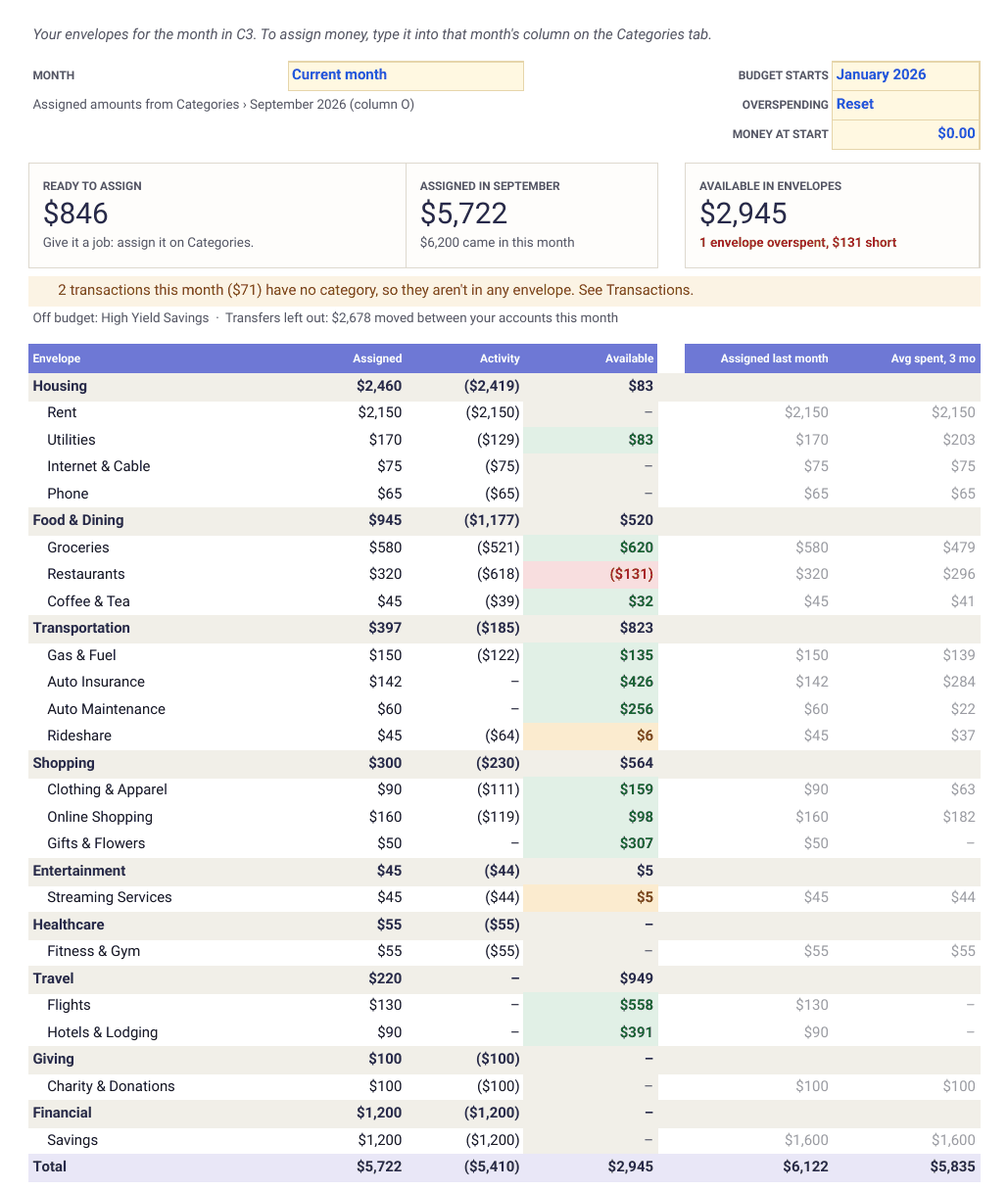
Envelope budget for Google Sheets
Give every dollar a job. Assign money to envelopes, spend from them and carry what's left into next month.
View template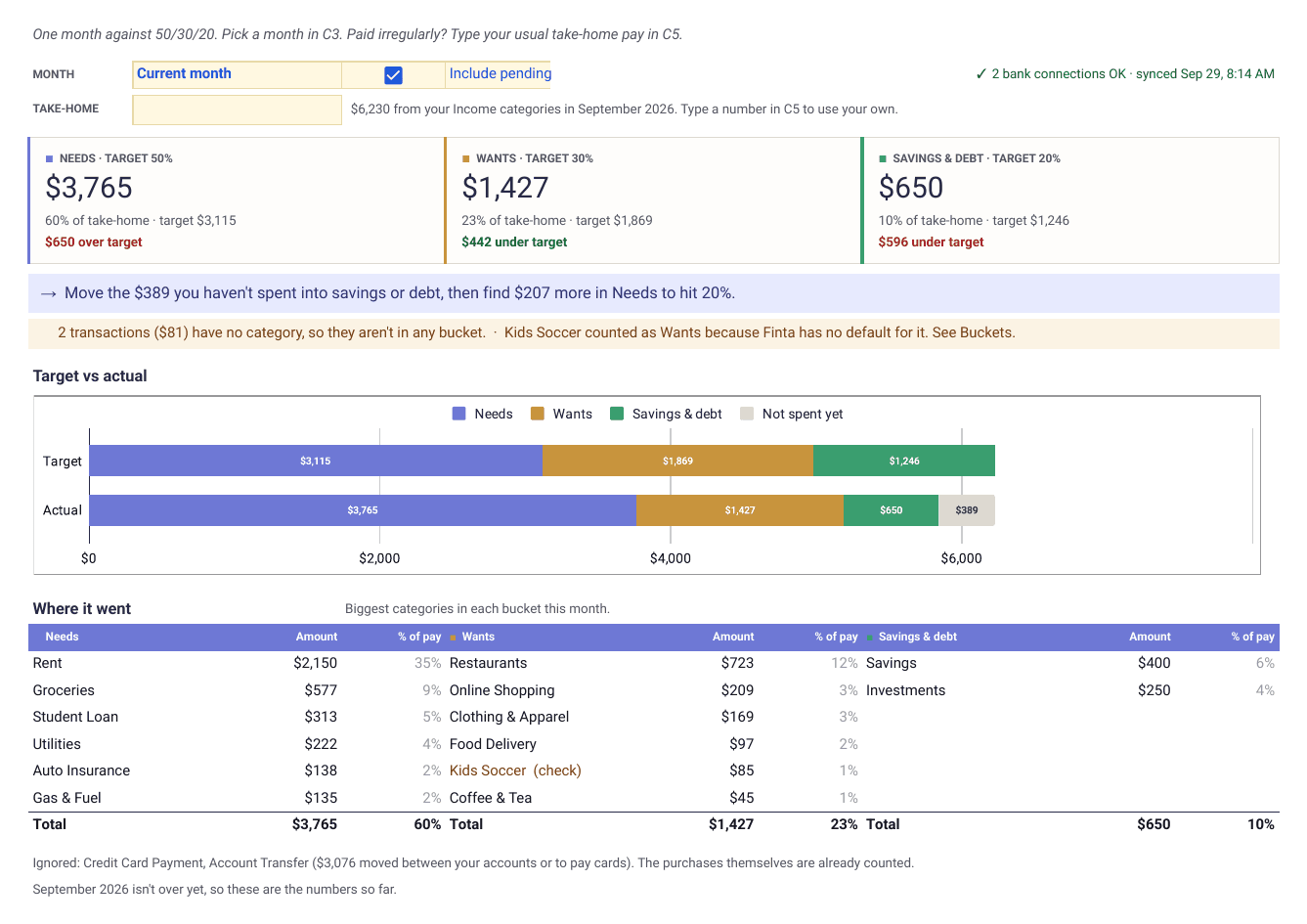
Google Sheets · Personal finance
50/30/20 budget template
Sort every category into needs, wants and savings, then see how close each month comes to 50/30/20 and what to move.
View template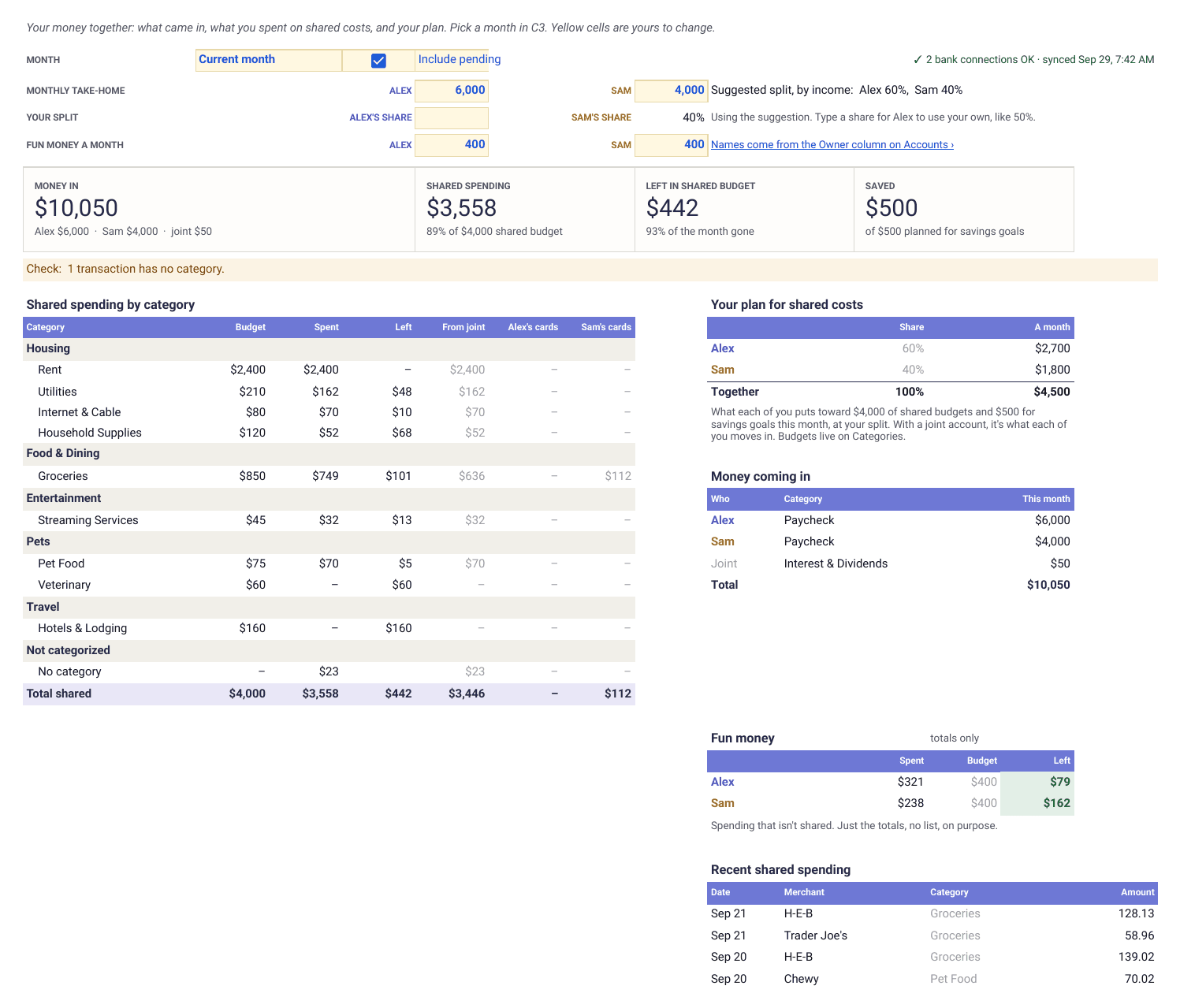
Google Sheets · Personal finance
Couples budget template for Google Sheets
Joint and separate money on one tab, with a split based on your incomes that you can change. Type in transactions or let Finta fill them in.
View template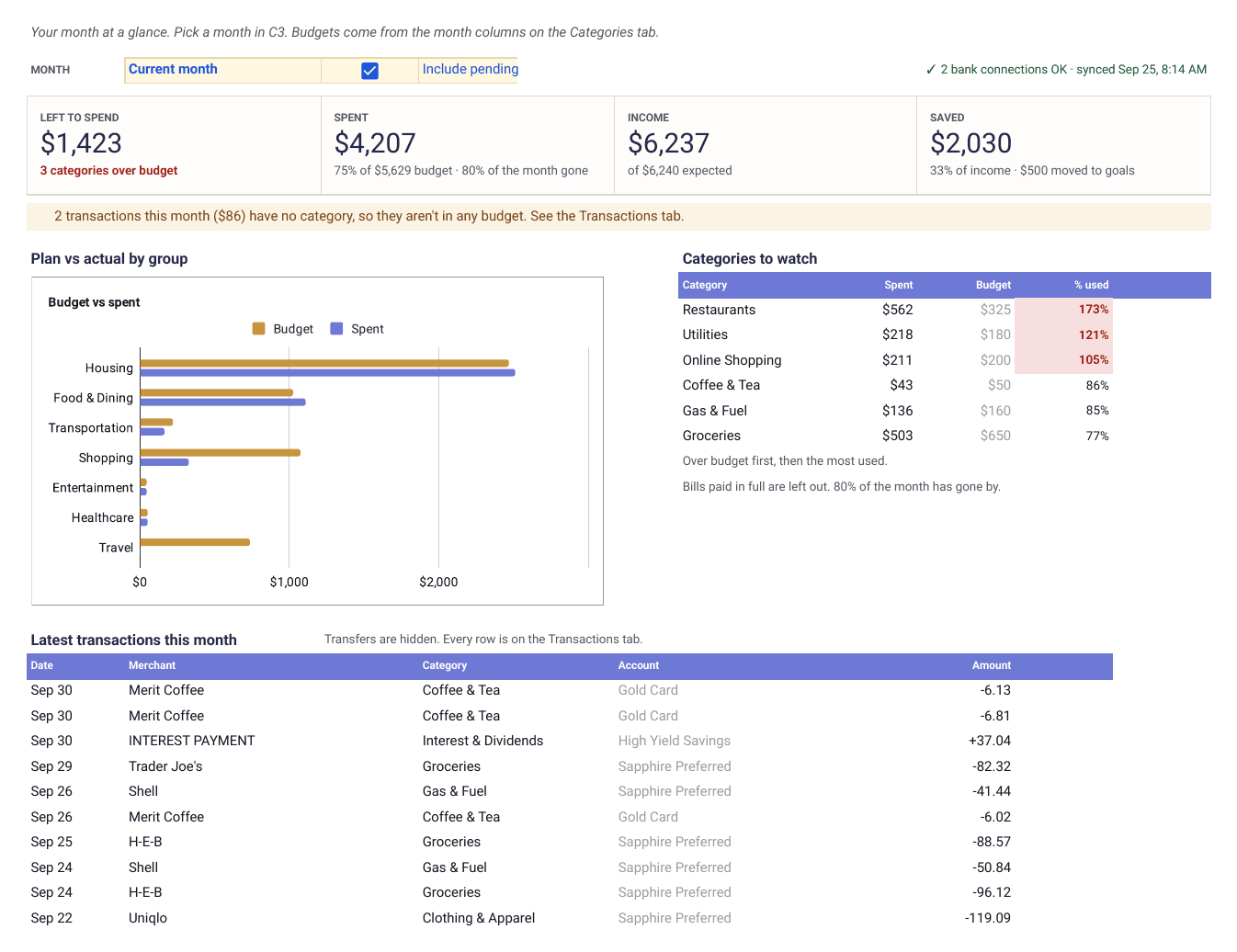
Google Sheets · Personal finance
Google Sheets budget template
A monthly budget with a dashboard, rollover and a year of trends. Type in transactions or let Finta fill them in.
View templateFinta MCP · Personal finance
Debt payoff planner prompt
Your full debt picture, avalanche against snowball, and the single change that would help most.
View promptFinta MCP · Personal finance
Dividend and passive income prompt
Dividend income by holding and account, yield and concentration checks, and the gap to your income goal.
View promptFinta MCP · Personal finance
Household finance check-in prompt
Cash flow, spending, balances, upcoming bills and three things to talk about this week.
View promptFinta MCP · Personal finance
Net worth snapshot prompt
Net worth today and over time, what is driving it, and a 12-month projection at your current pace.
View promptFinta MCP · Personal finance
Retirement readiness prompt
Your retirement accounts, contributions, three projections and a benchmark check.
View promptFinta MCP · Personal finance
Spending analysis prompt
A full breakdown by category, forgotten subscriptions, and your top three savings opportunities.
View prompt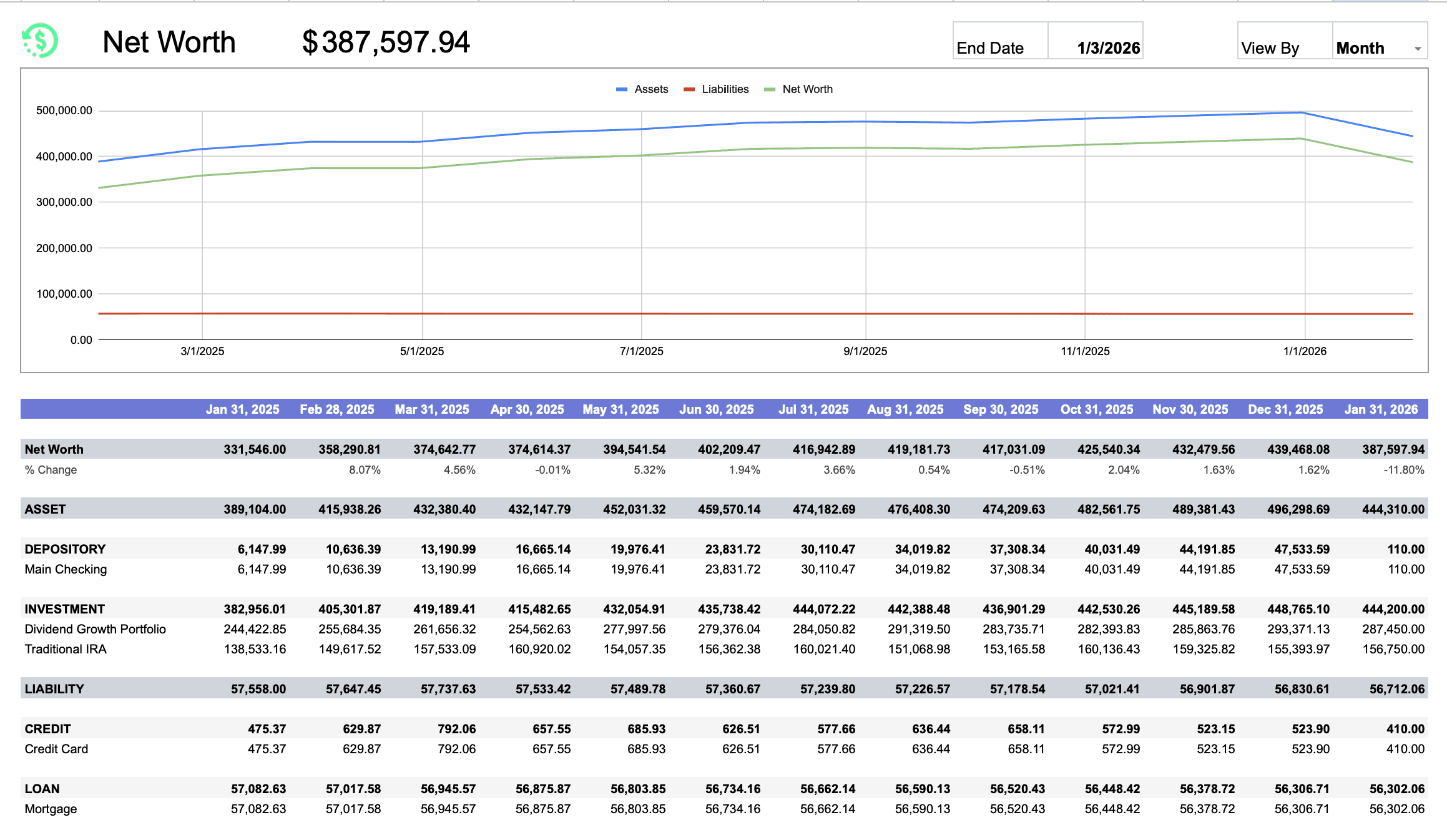
Google Sheets · Net worth
Net worth tracker for Google Sheets
Assets minus liabilities by week, month, quarter or year, with a trend chart from balance snapshots.
View template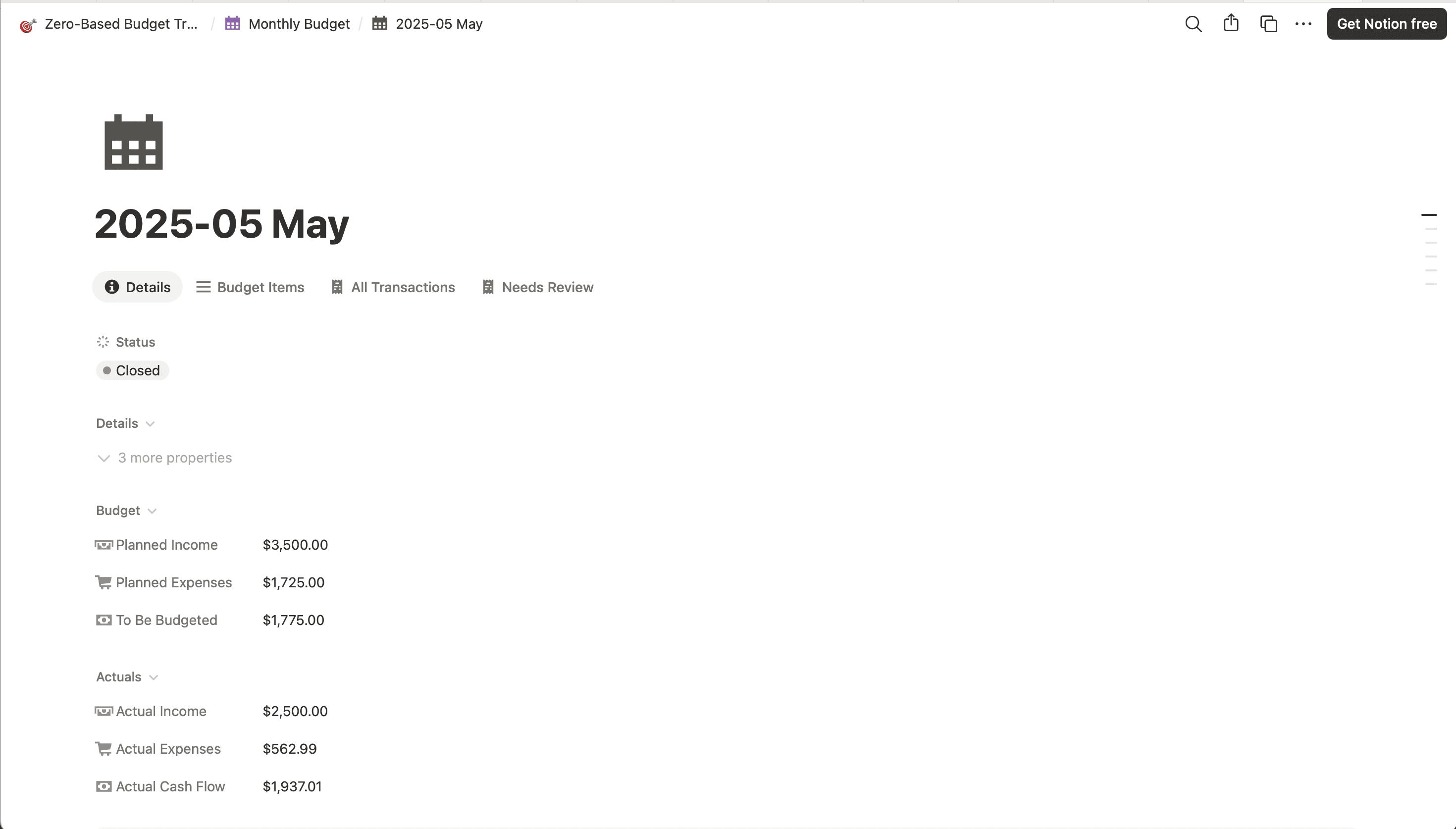
Notion · Personal finance
Zero-based budget Notion template
Assign every dollar before the month starts. Envelope balances update as transactions sync.
View template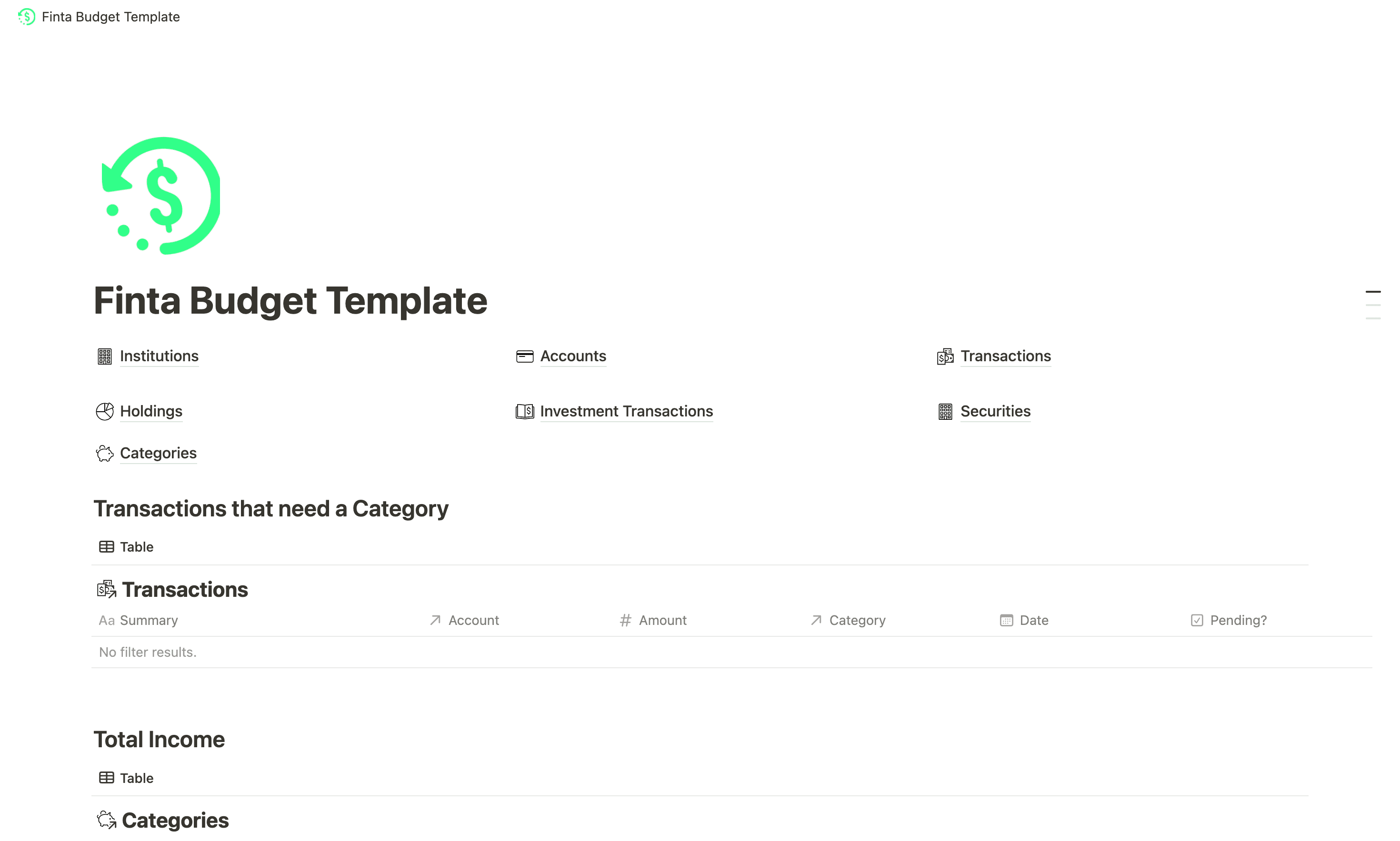
Notion · Personal finance
Starter Notion personal finances template
Income, expenses and investments in one Notion page, on the tables Finta syncs.
View template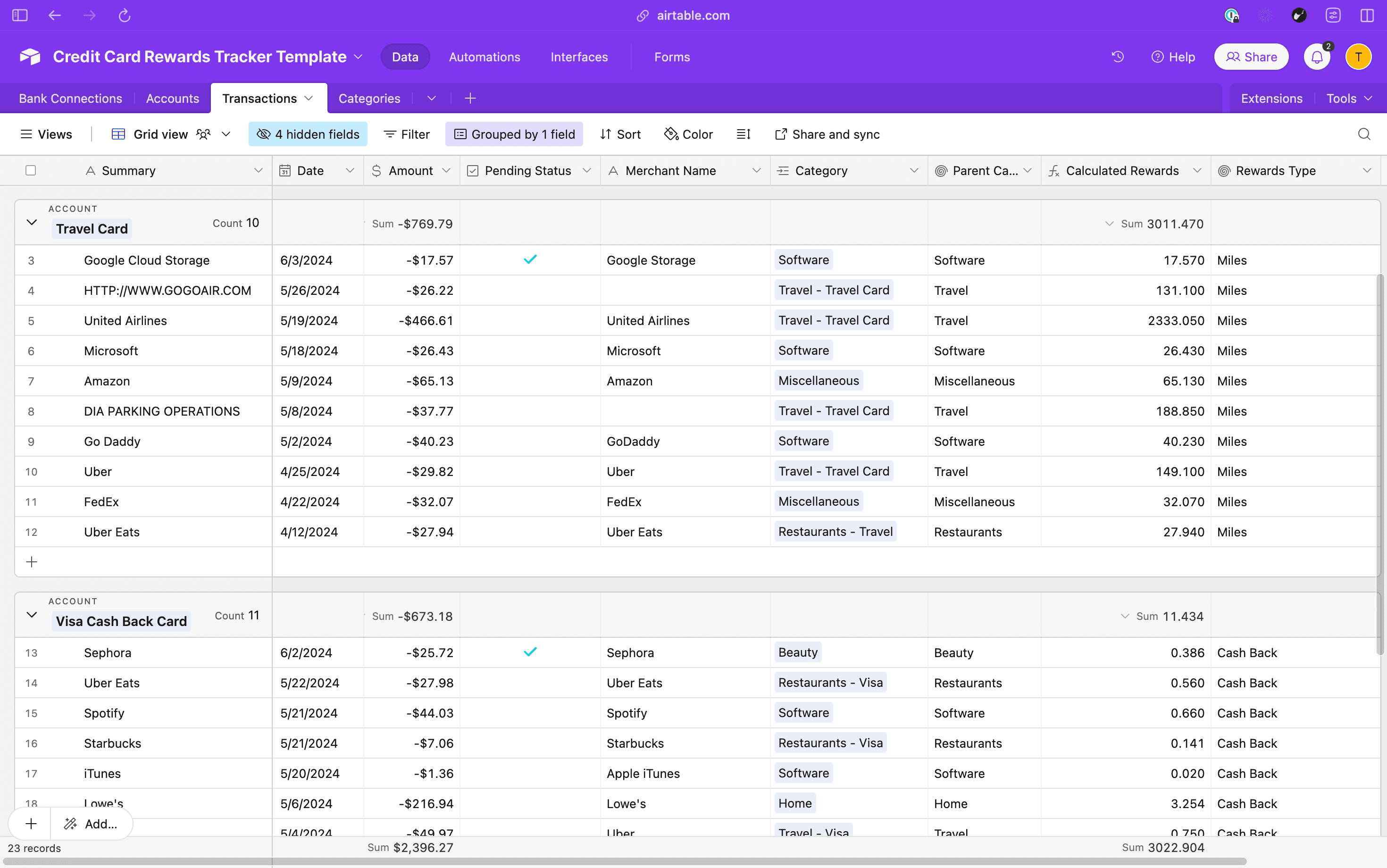
Airtable · Personal finance
Credit card rewards tracker
Points and miles per card, by category, with transactions you type in or sync from Finta.
View template
How it works
Every template is free. Finta is the part that keeps it current.
Each template reads from the same tables Finta writes: Accounts, Transactions, Categories, Balance History and Bank Connections. Copy a template and type your numbers in, or connect your bank and the source tabs fill on their own.
7-day free trial. No credit card required.
Copy the template into your own account.
Google Sheets, Notion and Airtable each open a copy you own.
Use it by hand, or connect Finta.
Delete the sample rows first. Finta writes into the source tabs and leaves your formulas alone.
Come back to a dashboard that is already up to date.
New transactions post on your bank's schedule. Finta picks them up when they do.
Template questions
Before you copy one
- Do I need a Finta account to use a template?
- No for the Google Sheets, Notion and Airtable templates. They work on their own with numbers you type in, and Finta only matters when you want the source tabs to fill themselves. The Finta MCP prompts do need Finta, because they read the data it syncs.
- Which tools do the templates cover?
- Google Sheets, Notion and Airtable today, plus prompts for Finta MCP that work in Claude, Cursor and other MCP clients. Coda users can build on the Finta Pack.
- Can I change a template after I copy it?
- Yes. The copy is yours. Keep the row 1 headers on the source tabs if you plan to connect Finta, and change anything else.