Why Automate Personal Finance Tracking in Notion
- Stop manual data entry – Your bank transactions sync automatically to Notion. No more copying balances or categorizing expenses by hand.
- Current data – Balances and transactions update automatically based on provider timing. See your latest synced financial position without manual imports.
- Flexible organization – Use Notion's databases, views, and relation properties to build a personal finance system that works exactly how you want it.
How It Works
- Connect your bank accounts (checking, savings, credit cards)
- Choose Notion as your destination
- Your financial data syncs automatically to your Notion workspace
Set up in 2 minutes. No formulas or database setup needed.
What Syncs to Notion
Your complete financial data syncs automatically:
- Account balances (checking, savings, credit cards, investments)
- Transactions (automatically categorized by merchant, amount, date)
- Account details (names, types, institutions)
- Balance history and spending trends
- Historical data (up to 2 years)
Update frequency: Automatic, based on provider timing
Sync Your Bank Data to Notion
Finta integrates with 10,000+ banks across the world. Easily and securely sync your account balances, transactions, and even investments to Notion. Here are some of our most popular banks:




Notion-Specific Features
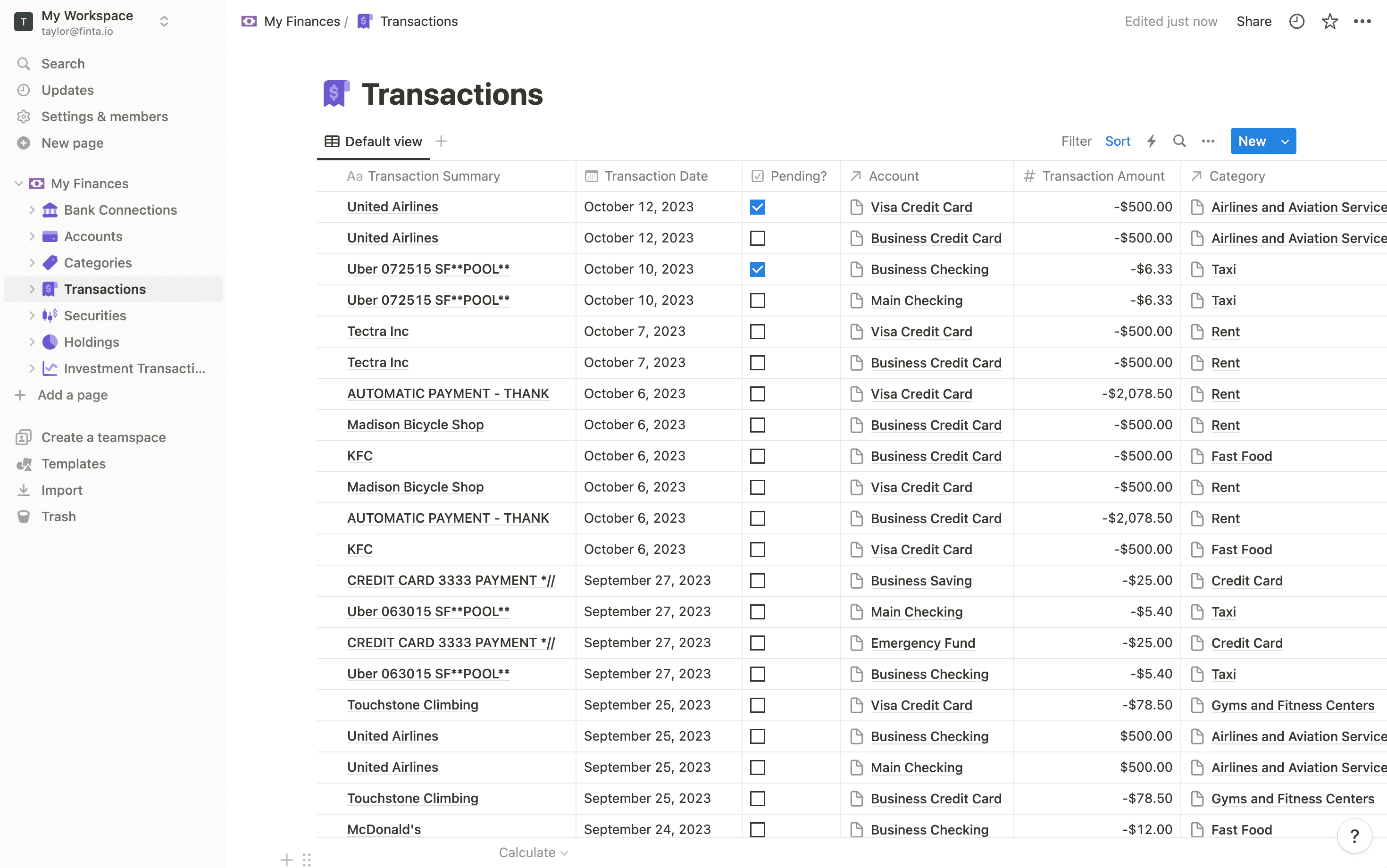
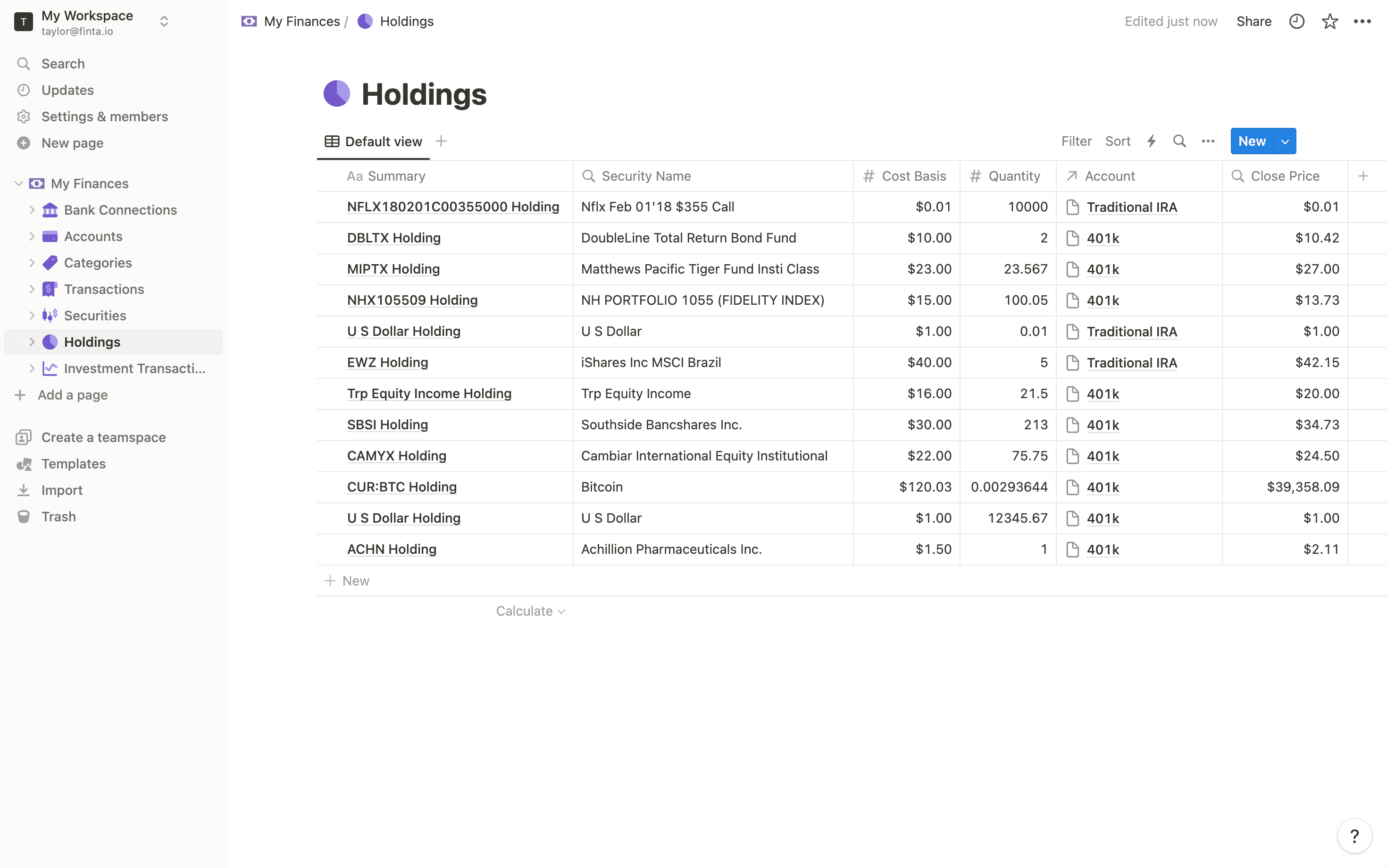
Your Notion database updates automatically as new data arrives from your connection. Use relation properties to link transactions to accounts, create filtered views for different spending categories, or build a gallery view to track budget progress. Access your financial dashboard on desktop and mobile; everything stays in sync across devices.

Transactions
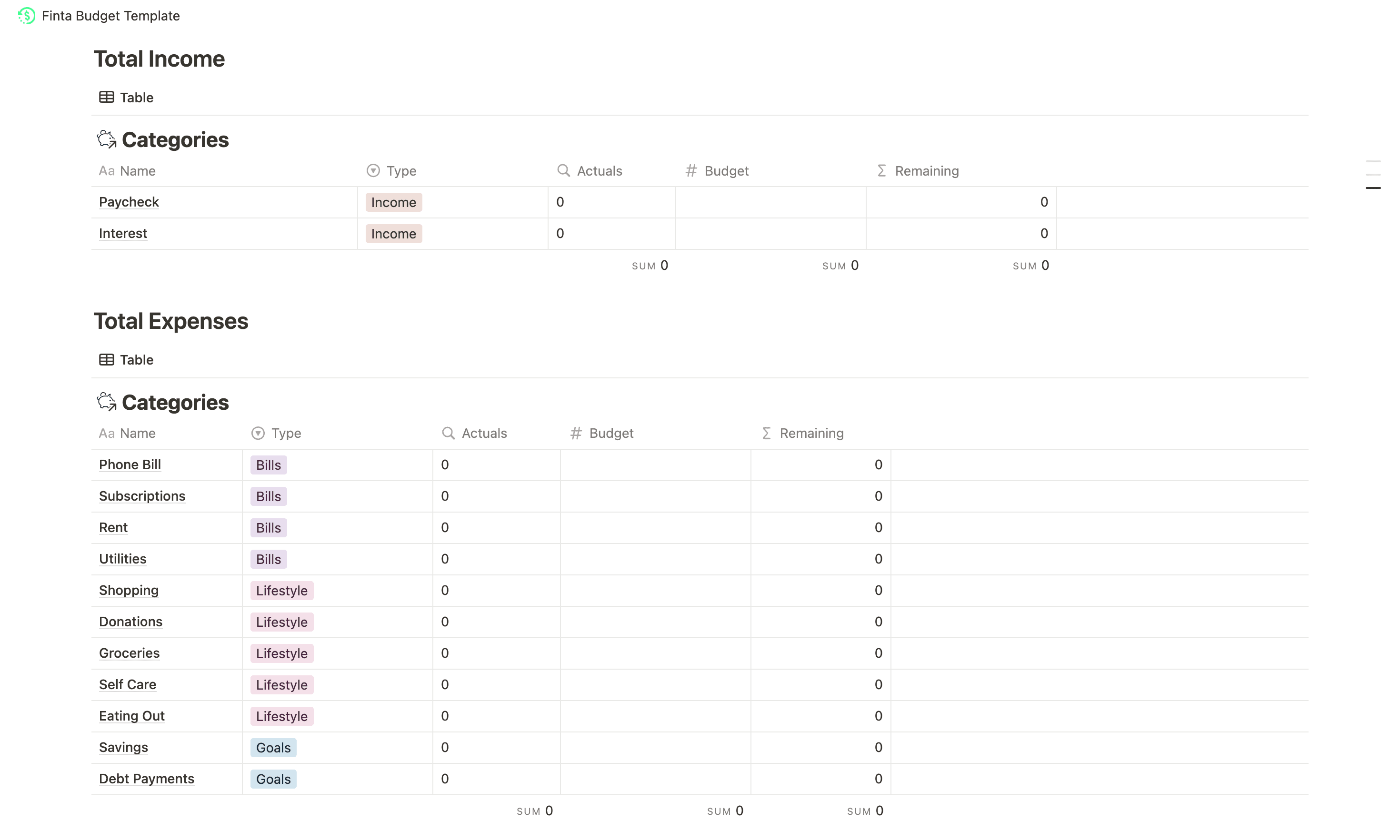
Create linked databases to track spending by category, view balances in a table, and monitor savings goals in a gallery—all automatically updated with your latest transactions.
Start syncing your finances to Notion
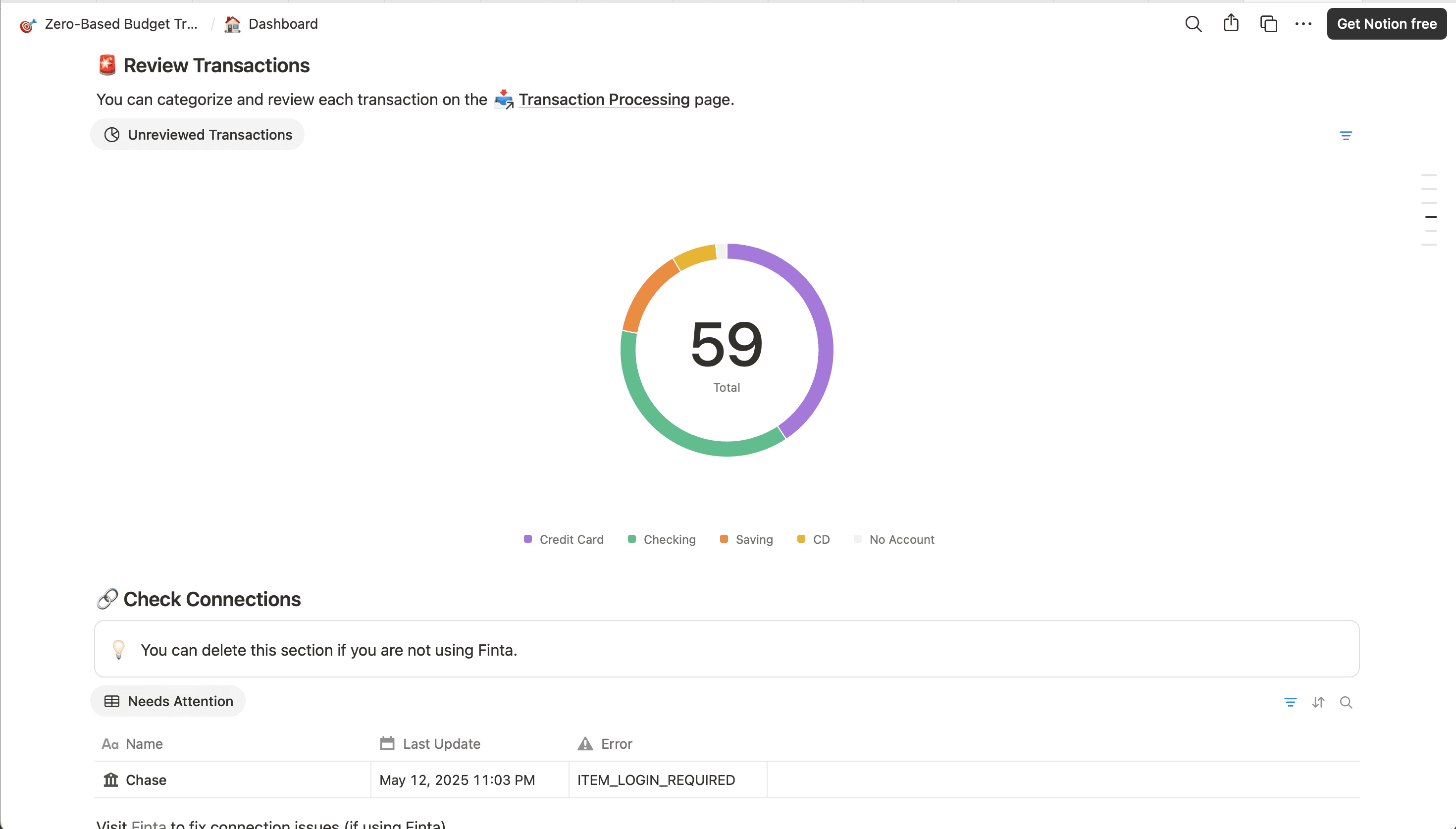
Ready-Made Templates
Learn More
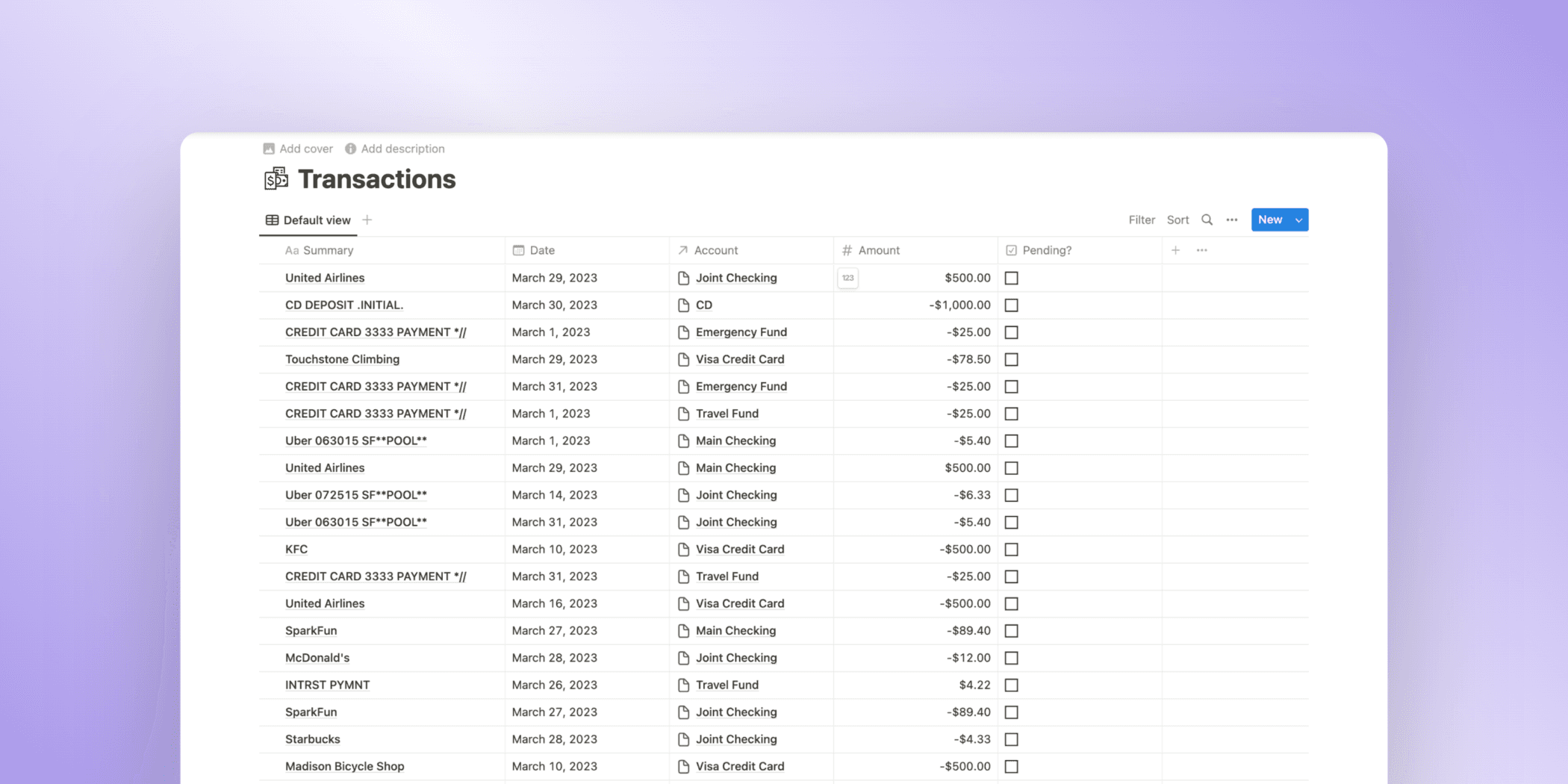
How to Import Bank Transactions into Notion
Easily sync your bank account balances, transactions, and investments to Notion
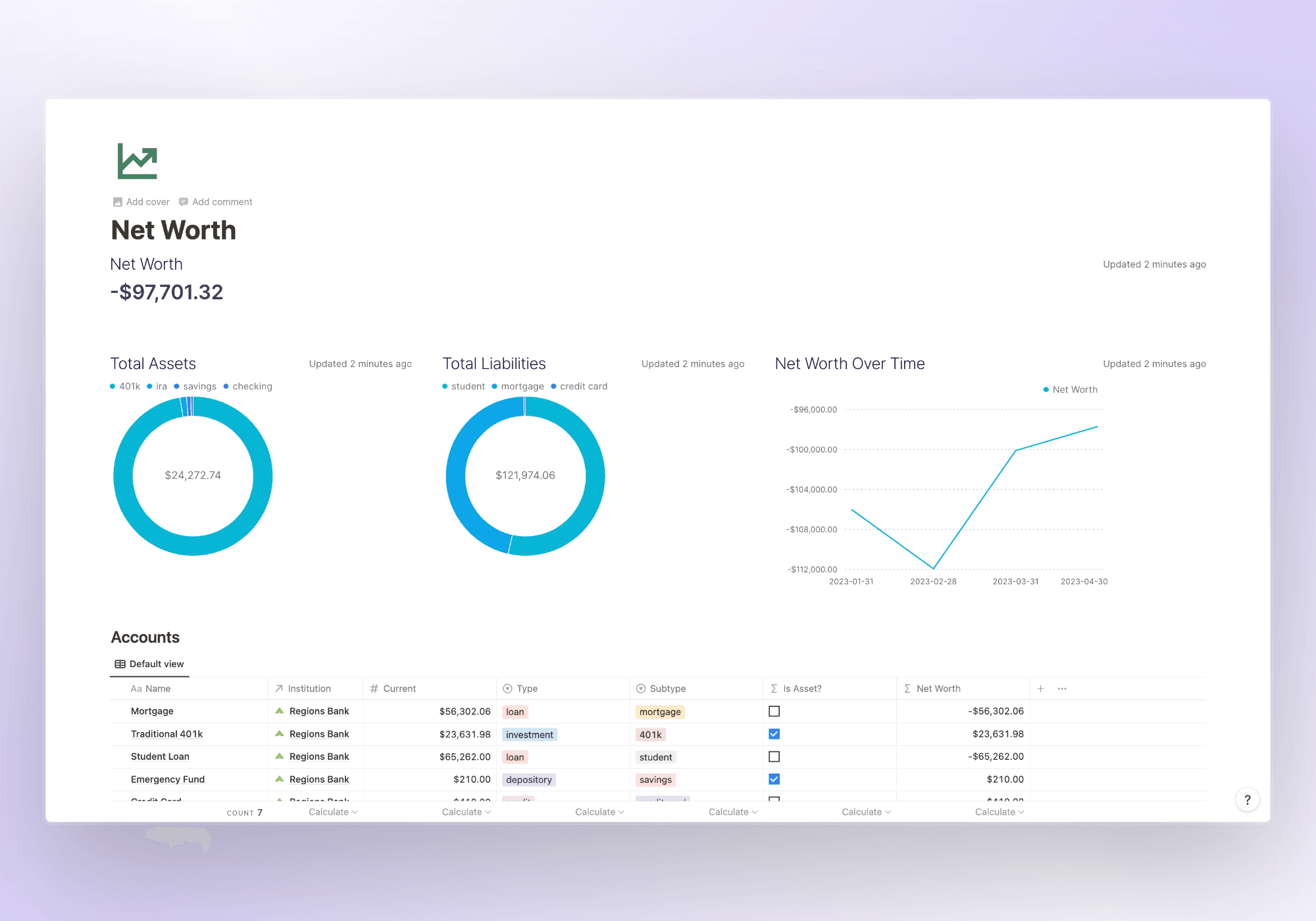
How to Track your Net Worth in Notion
How to track your current and historical net worth and account balances in Notion with Finta.

Master Expense Tracking: Simple Steps to Manage Your Money
Unlock the secrets to effective money management with our comprehensive guide on expense tracking. Discover practical methods for monitoring your spending, avoiding overspending, and achieving your financial goals.