Filter Pending Transactions in Coda
Coda pack users now have more control over which transactions appear in their tables. You can now toggle whether pending transactions are included in your transactions table, making it easier to work with confirmed data or track everything in real-time.
What's New
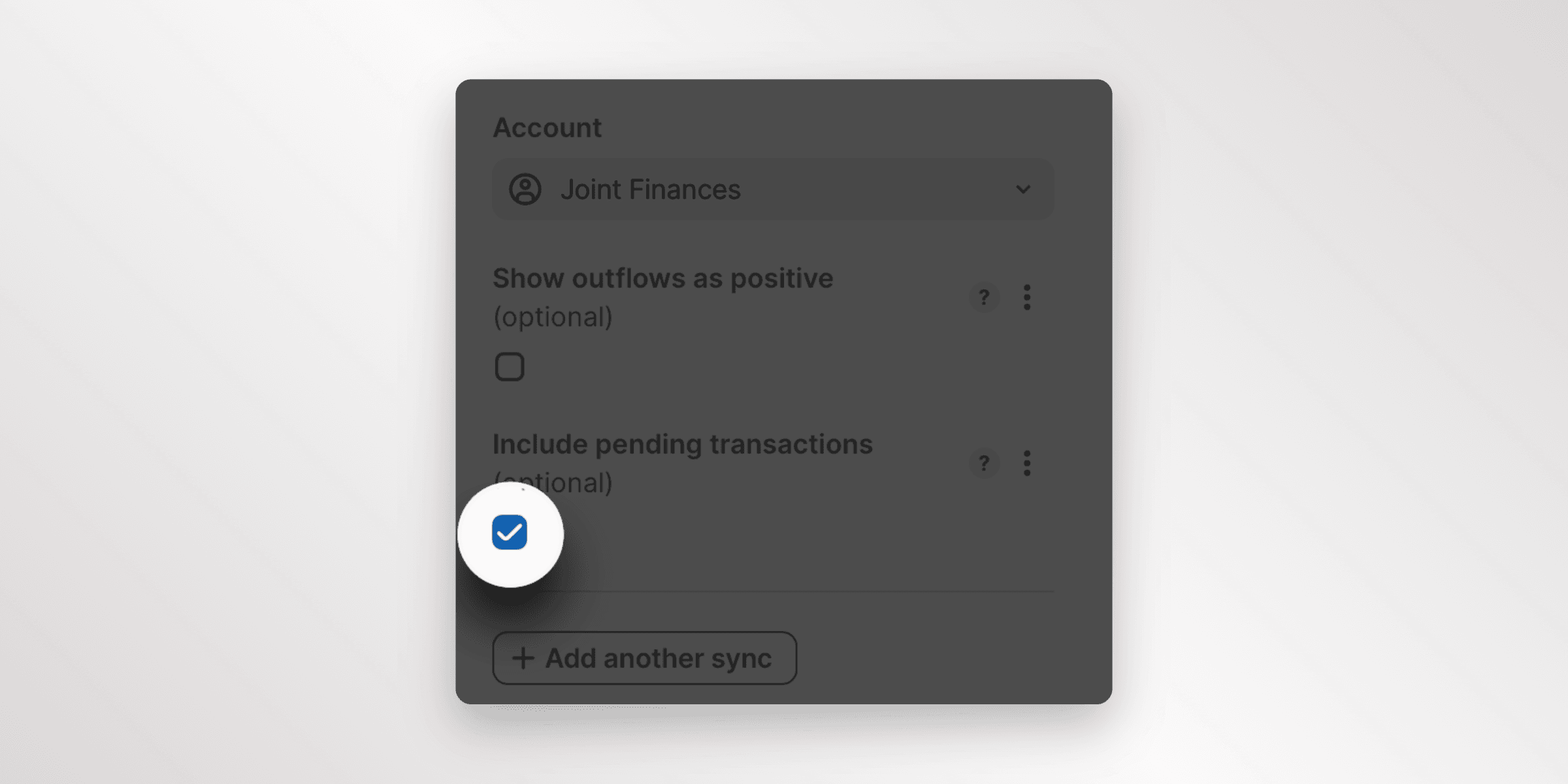
Include Pending Transactions Toggle
When setting up your Finta Coda pack, you'll find a new option to include or exclude pending transactions from your transactions table. This gives you flexibility to:
- Show only confirmed transactions - Keep your Coda table clean by excluding pending transactions that haven't fully processed yet
- Track everything in real-time - Include pending transactions to see your most up-to-date financial picture
- Match your workflow - Choose the option that best fits how you manage and analyze your financial data
How It Works
When configuring your Finta Coda pack, simply toggle the "Include Pending Transactions" option on or off based on your preference. By default, this is set to true. Your transactions table will update to reflect only the transactions you want to see.
This setting works across all your connected accounts and can be changed at any time to match your current needs.
The pending transactions toggle is available now in the Coda pack settings (version 28+).