Never Lose a Rule Again
Accidentally deleted a rule you spent time perfecting? Now you can view all your archived rules and restore them with a click. Deleting a rule is no longer permanent — you're always one step away from bringing it back.
What's New
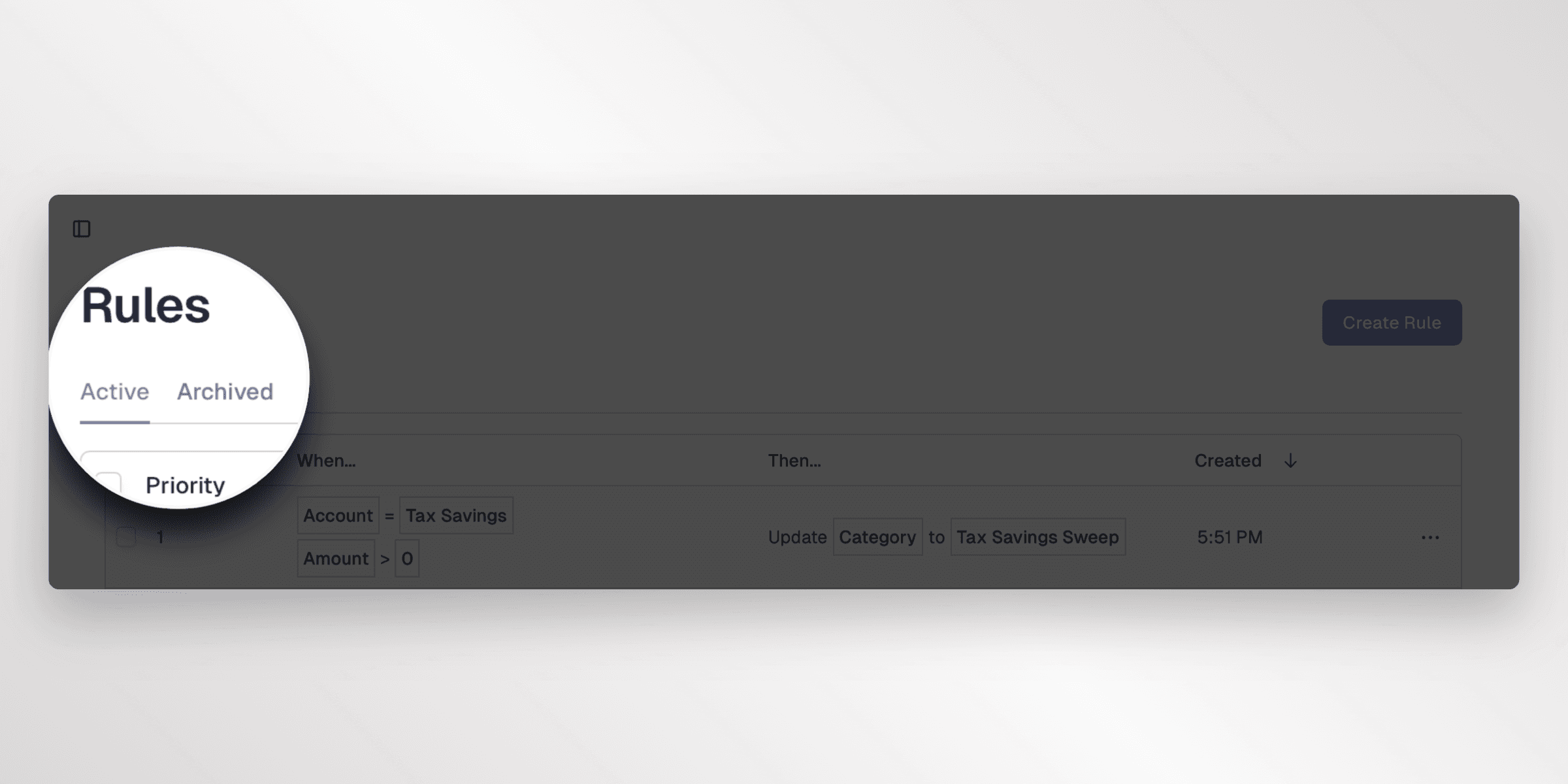
Archived Rules Tab
Your rules page now has an Archived tab that shows every rule you've previously deleted. Switch between active and archived views to see exactly what's been removed, so nothing gets lost.Restore Rules
Found a rule you want back? You have two ways to restore:
- Single restore — Open the actions menu on any archived rule and select "Restore" to bring it back instantly
- Bulk restore — Select multiple archived rules and use the toolbar button to restore them all at once
Restored rules return to your active rules list and start applying to new syncs immediately.