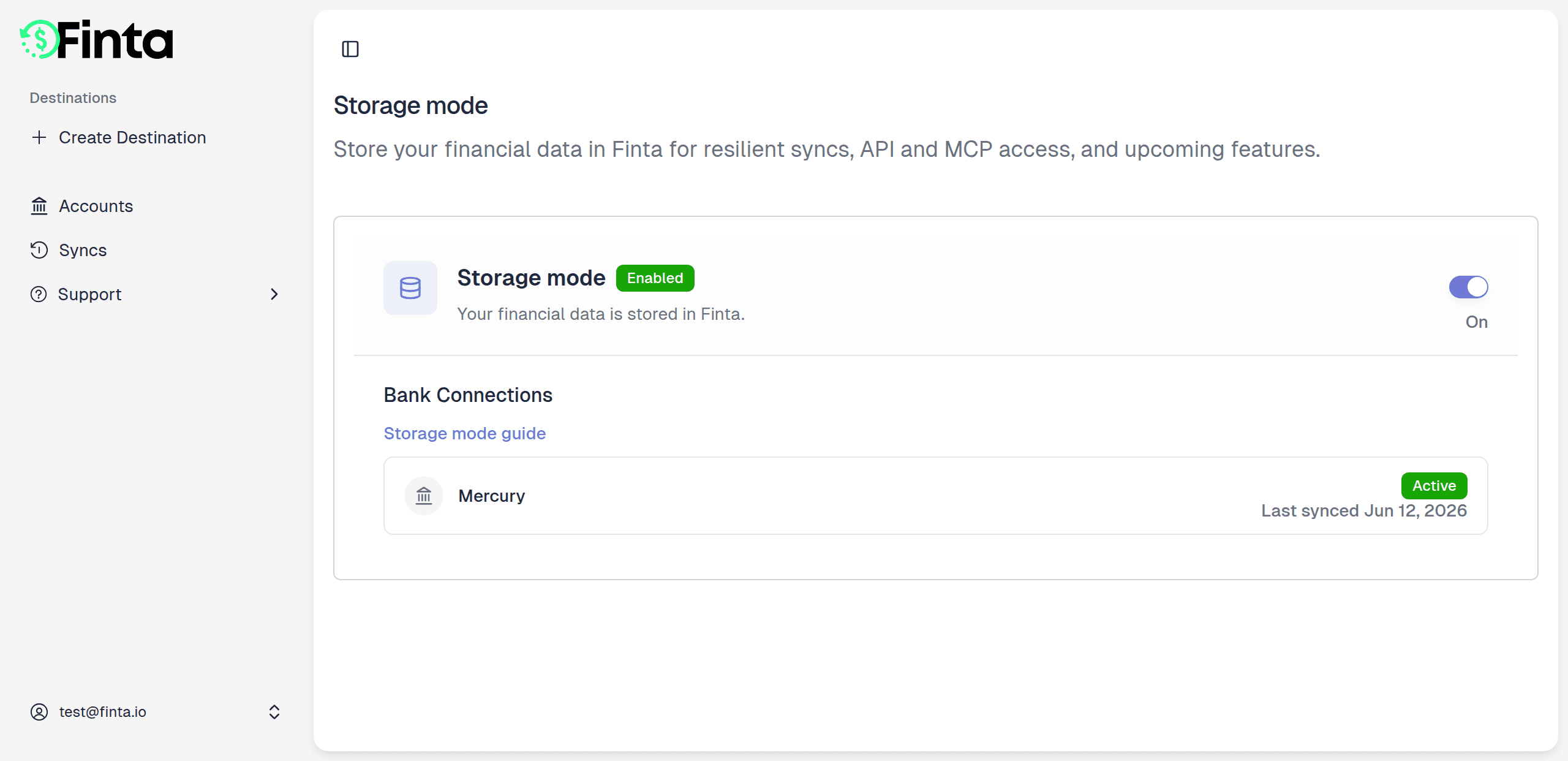
By default, Finta runs in pass-through mode: when a sync runs, we fetch your data from your bank or payment provider and push it straight to your destination, without holding onto anything in between. Storage mode changes that. Turn it on and Finta keeps a synced copy of your accounts, transactions, balances, and investments on our end.
What you can do
- Keep syncing through bank errors — when a connection has an issue or a provider has an outage, your last-known data is already stored, so your destinations stay up to date.
- Unlock programmatic and AI access — storage mode is the foundation for the Finta API and the new Finta MCP, which let tools and AI assistants read your data instantly.
- Watch your backfill in real time — flip it on and see each bank connection fill in, connection by connection.
- Stay in control — turn it off whenever you want. When you do, we hard-delete every stored record. No soft deletes, no leftovers.