Back to Changelog

Finta MCP is in Beta

MCPAIBeta
Finta MCP is in Beta
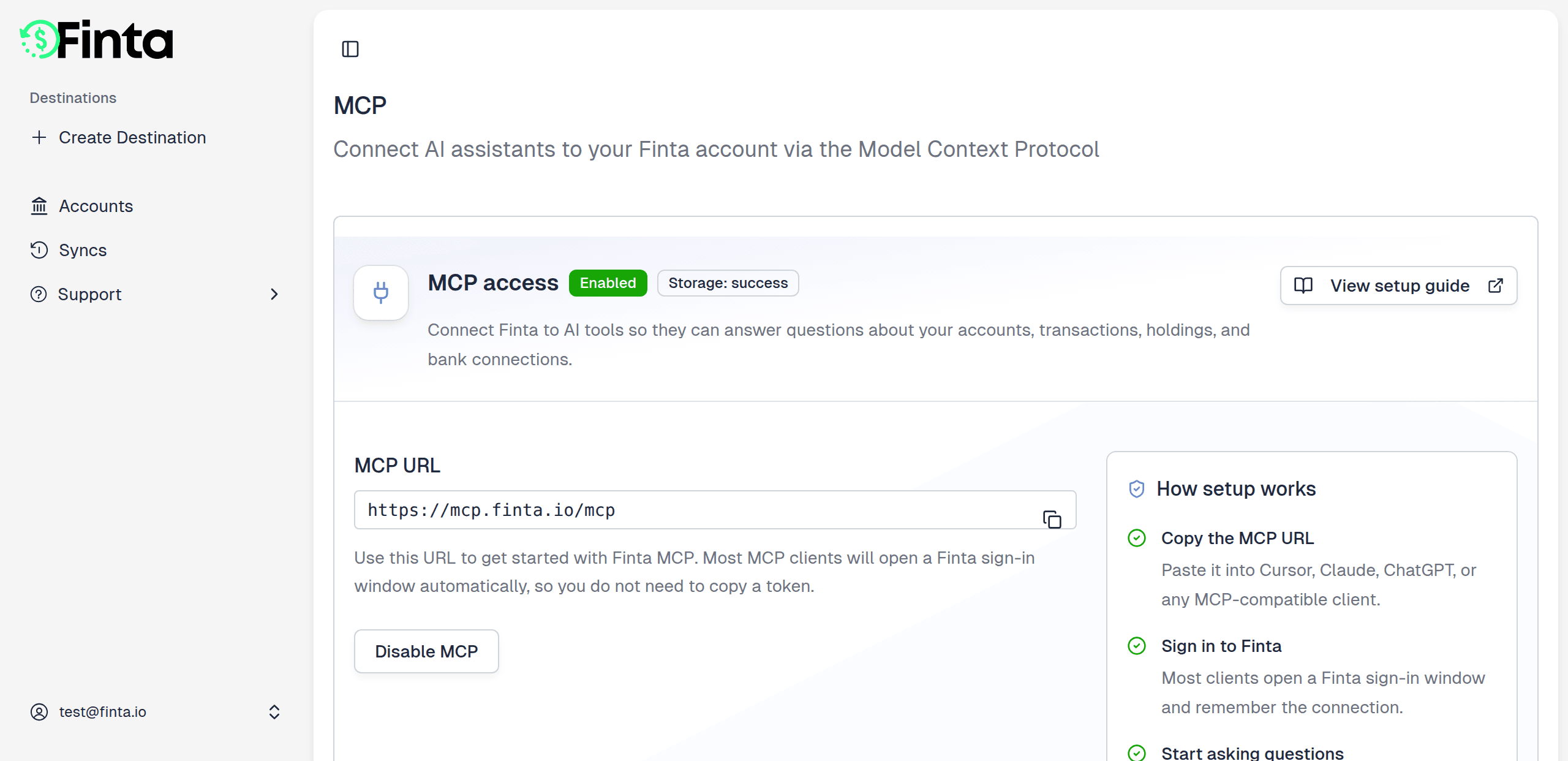
Finta now speaks the Model Context Protocol. Connect your account to Claude, Cursor, Codex, or any MCP client and ask about your finances in plain English — no exporting, no copy-paste. MCP is the open standard that lets AI assistants securely connect to your tools. With the Finta MCP, your assistant can pull straight from the financial data Finta keeps in storage mode and answer questions about it instantly.

What you can do

  • Ask in plain English — "What did I spend on software last month?", "Show my largest transactions this week", "How have my balances trended this year?"
  • Read across your whole picture — accounts and balances, transactions and categories, balance history, holdings, and investment activity.
  • Tidy up as you go — have your assistant categorize transactions and manage your spending categories for you.
  • Use it where you work — Claude, Cursor, Codex, VS Code Copilot, and any MCP-compatible client.
  • Stay secure — you sign in with OAuth, Finta never moves money, and you choose which accounts to share.

Get started

Open Settings → MCP in Finta and enable it — that turns on storage mode and backfills your connections automatically. Then add Finta to your AI client using the connection guide. The MCP docs walk through setup for each client and list everything you can ask. MCP is in beta — we'd love your feedback as you try it. Tell us what works, what's confusing, and what you want it to do next.

Search Finta

Navigate to important pages