Google Sheets · Personal finance
Free 50/30/20 Budget Template for Google Sheets
Try the split on your own pay below, then copy the spreadsheet that checks it every month. It sorts your spending into needs, wants and savings and debt, and tells you what to move when a month drifts. Type your transactions in, or let Finta fill them in from your bank.
Free. No email. Works in any Google account. Opens a copy in your Drive.
50/30/20 budget
Dashboard tab
Sample data
50/30/20 calculator
What 50/30/20 means for your pay
Type what lands in your account each month after tax. The rule puts half toward needs, 30% toward wants and 20% toward savings and paying down debt.
$
a month
Paid every two weeks? Use a typical month.
- Needs 50%
- $2,500
- $30,000 a year
- Rent or mortgage, groceries, utilities, insurance, minimum loan payments
- Wants 30%
- $1,500
- $18,000 a year
- Eating out, shopping, streaming, travel, hobbies
- Savings & debt 20%
- $1,000
- $12,000 a year
- Savings, investments, extra payments on a loan or card
Needs $2,500, Wants $1,500, Savings & debt $1,000
The spreadsheet sorts your real spending into these three buckets every month and tells you what to move.
Copy the templateWhat's inside
Tab by tab
What each tab does and where its data comes from
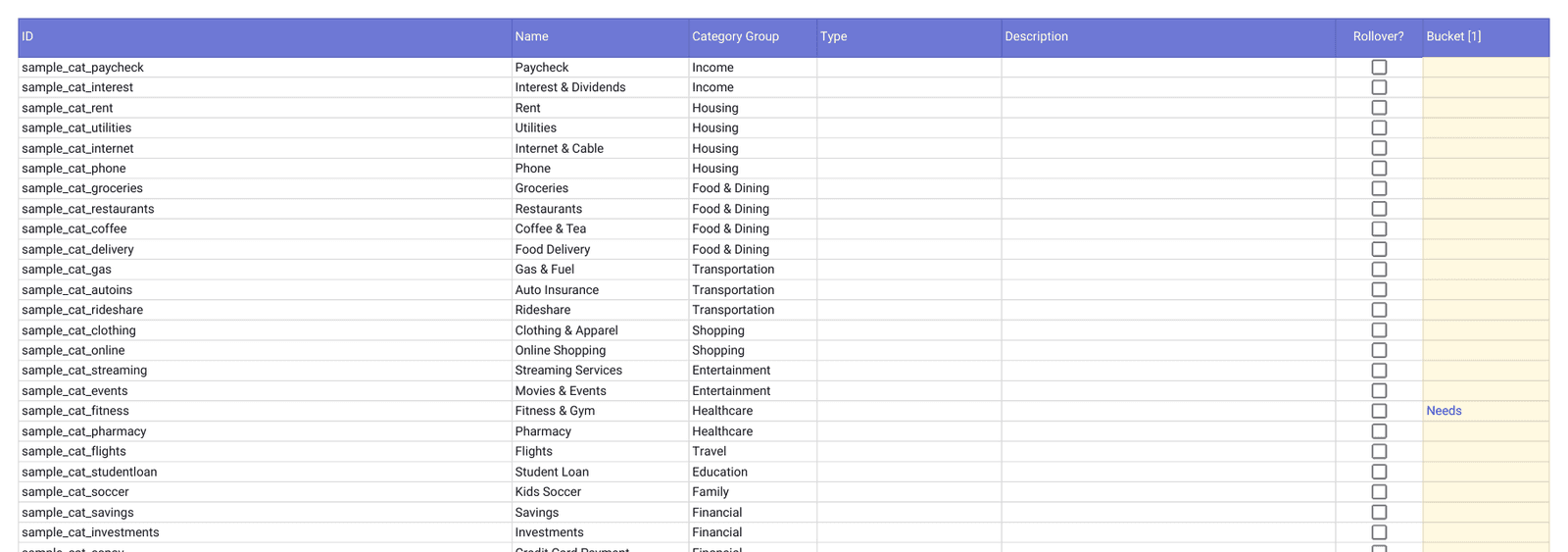
Every category already has a bucket, so the tabs work as soon as transactions arrive. To move one, pick a bucket in the Bucket column on Categories. Dashboard, Buckets and Trends are formulas that read the four source tabs. Delete the sample rows before you start.
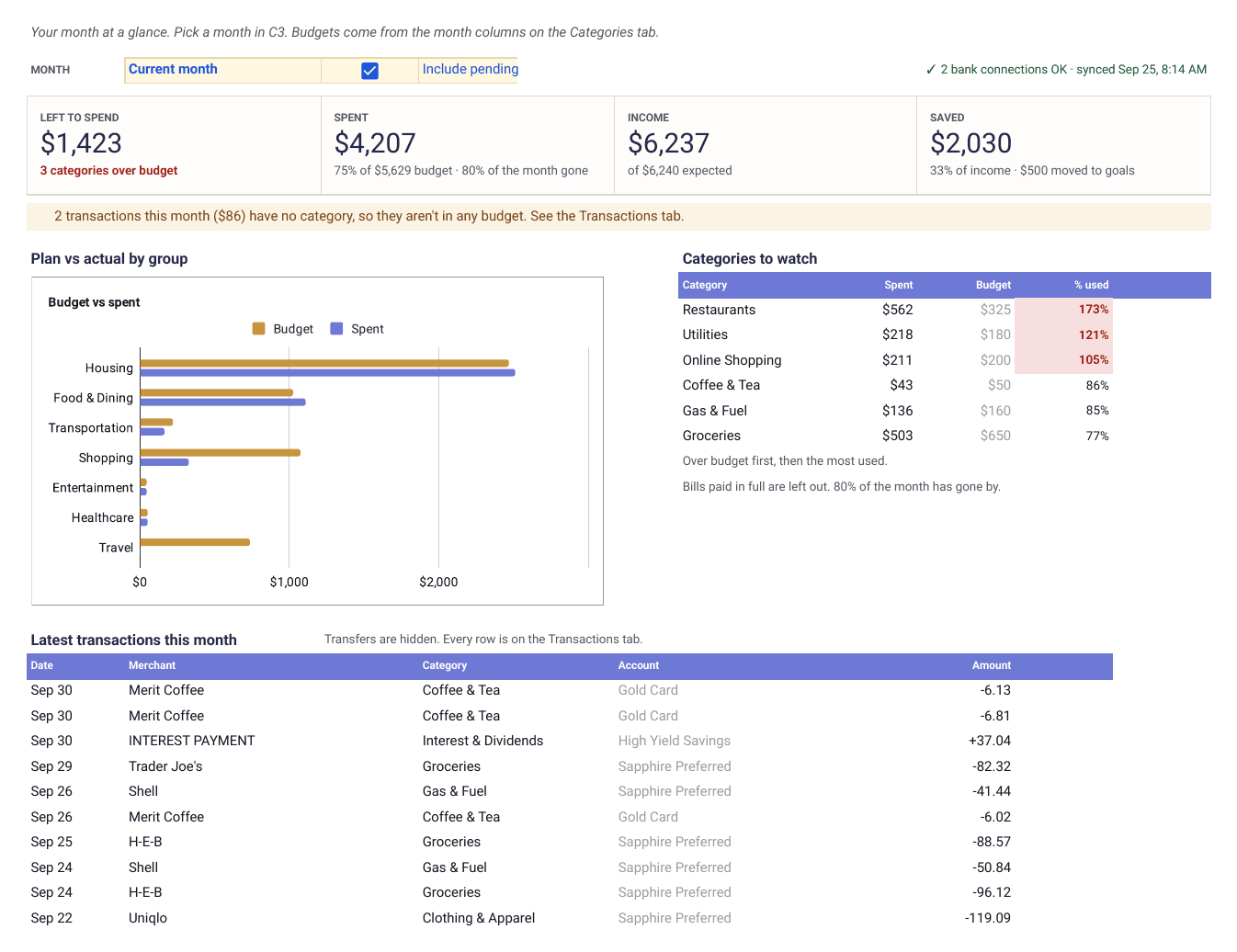
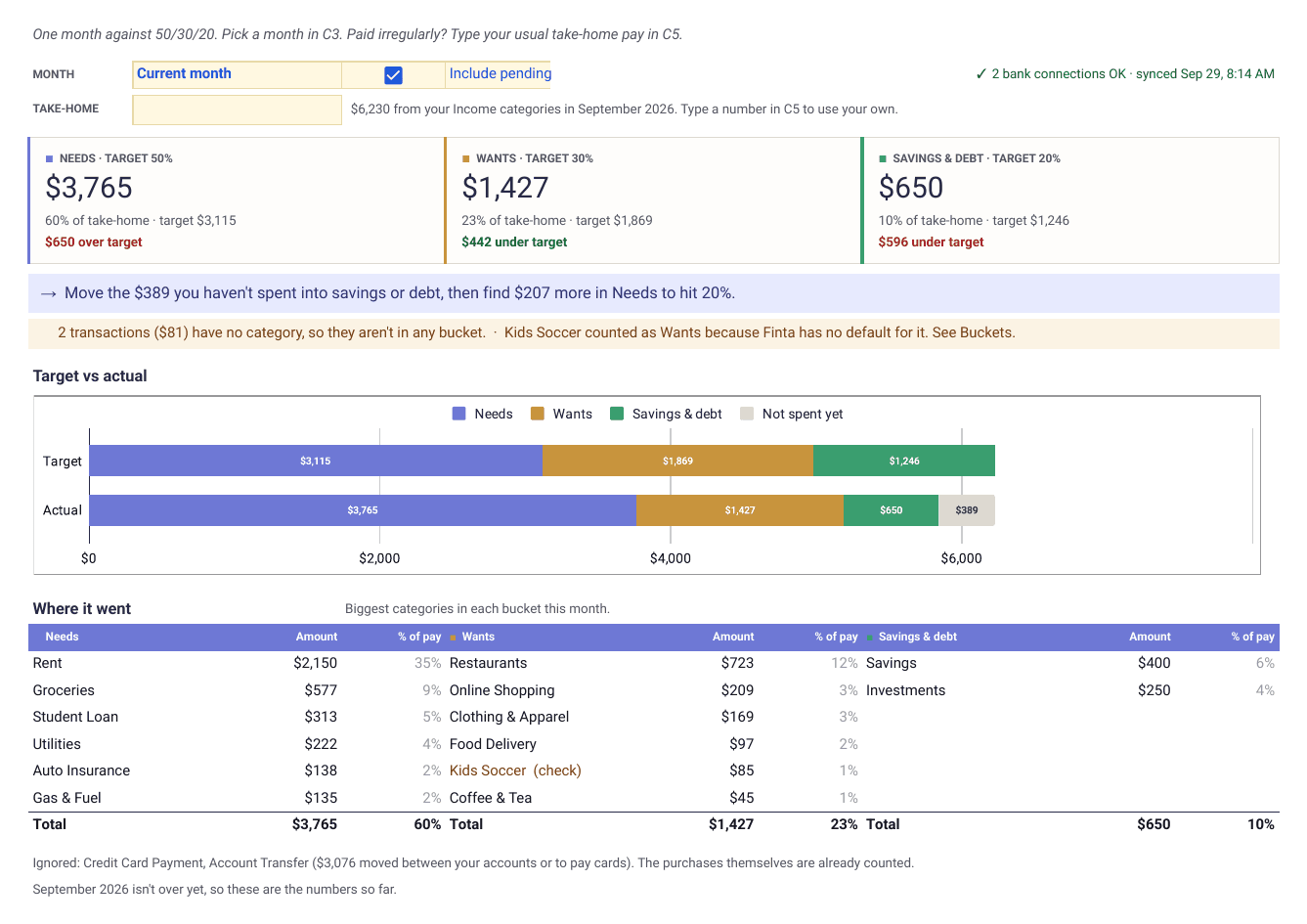
- Dashboard
- One month against 50/30/20. Take-home pay, what went to needs, wants and savings and debt next to each target, a line saying what to move, and the biggest categories in each bucket.
- Formulas · read only
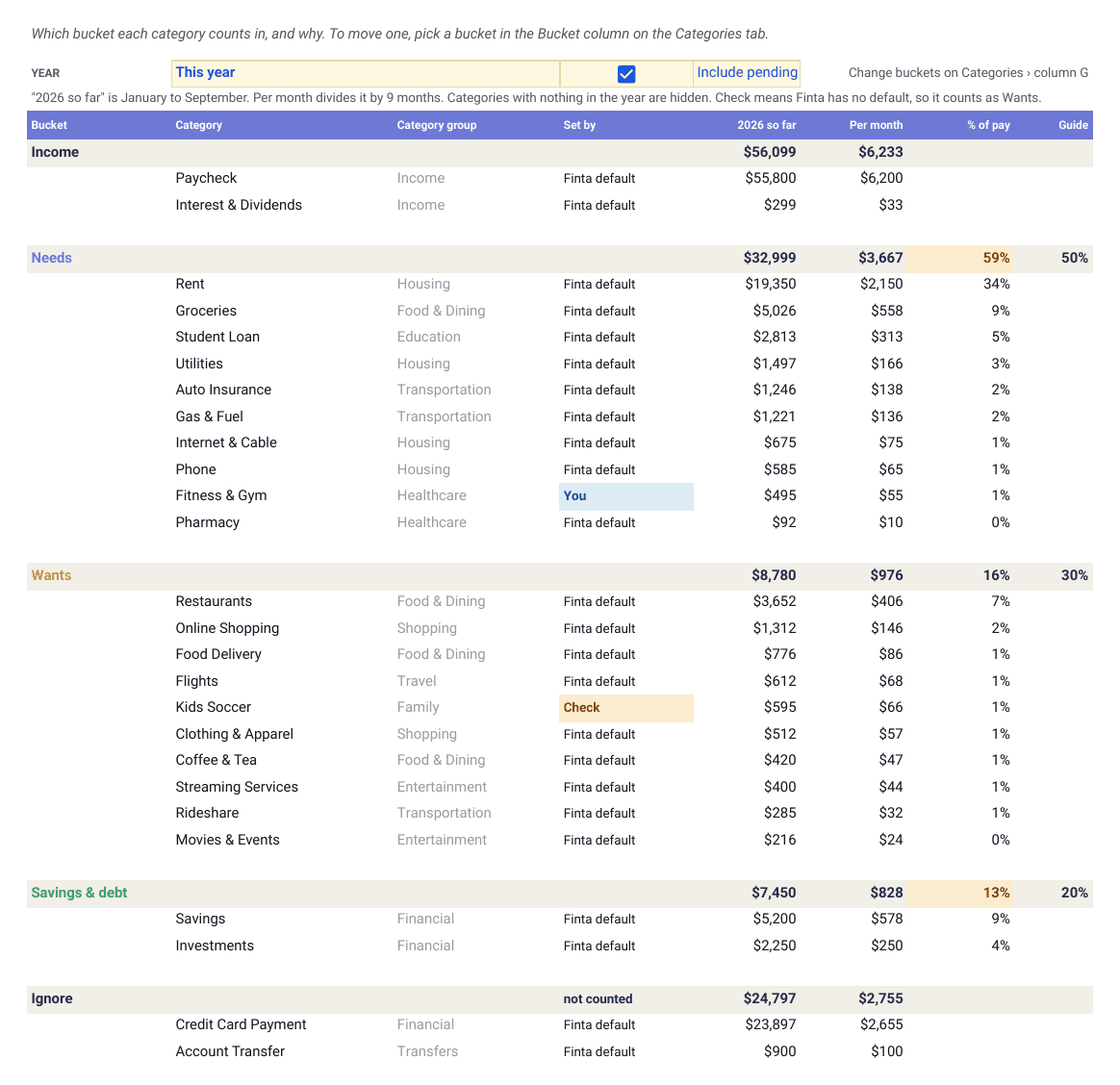
- Buckets
- Every category with the bucket it counts in, whether that's Finta's default or your choice, and its total so far this year.
- Formulas · read only
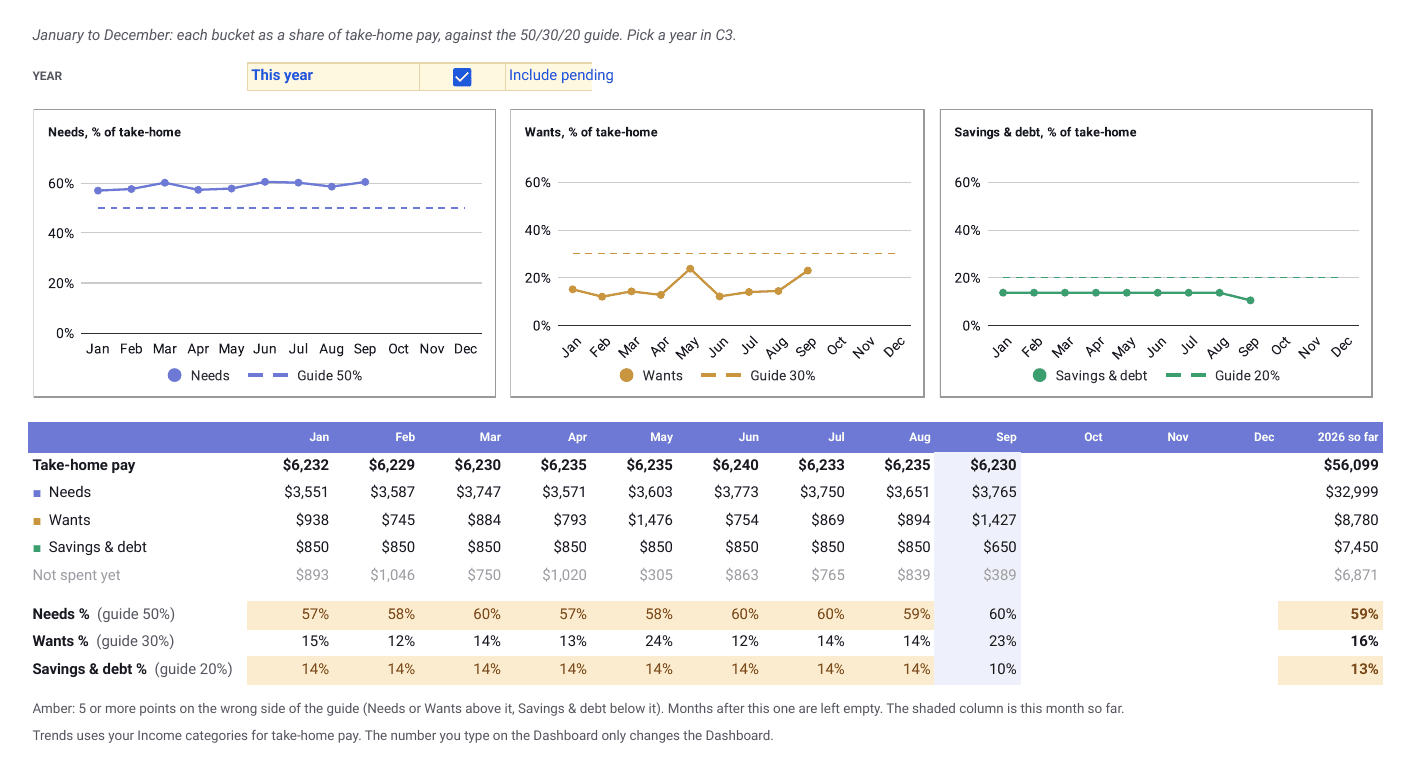
- Trends
- January to December. Each bucket as a share of take-home pay against the 50, 30 and 20% guides, with the months that drifted shaded.
- Formulas · read only
- Start Here
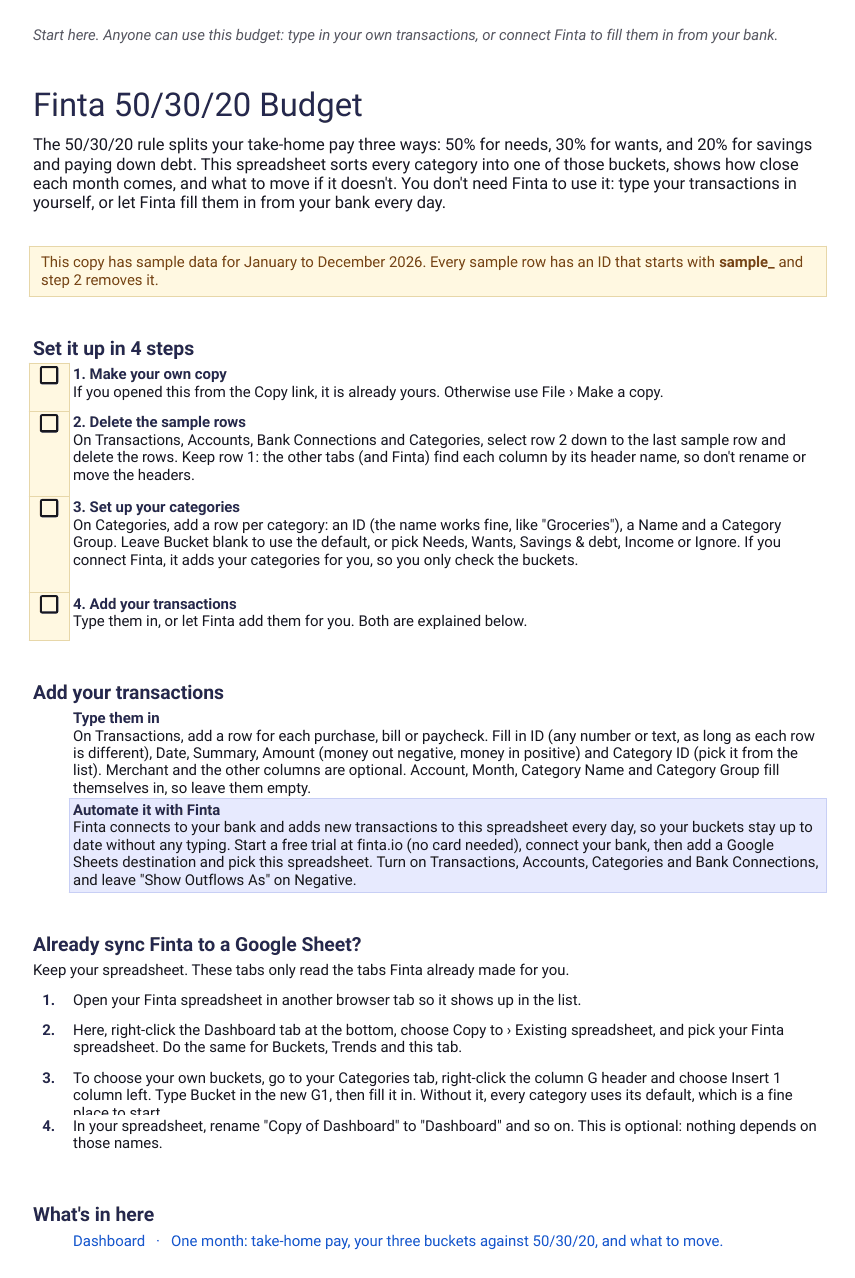
- What the rule is, four setup steps, the two ways to add transactions, and how to add these tabs to a spreadsheet Finta already syncs to.
- Guide
- Transactions
- Date, merchant, amount and category. Type them in, or let Finta write them.
- Finta · Transactions
- Accounts
- Every account with its type and current balance.
- Finta · Accounts
- Categories
- Your categories, with a Bucket column for the ones you want to move. Leave it blank and the default bucket applies.
- Finta · Categories
- Bank Connections
- One row per bank you connect, with its last update. Only Finta fills this tab.
- Finta · Bank Connections
Setup
Three steps to your first month
Copy the template. It opens in your Google Drive with a year of sample data.
Delete the sample rows. Add your categories on Categories, or let Finta add them, then check where each one landed on the Buckets tab.
Type in your transactions, or connect Finta and pick this sheet.
Keep it updated automatically
Let Finta fill the source tabs
Connect your bank, choose this sheet, and Finta writes new transactions, balances and categories into the four source tabs on your bank's schedule. Dashboard, Buckets and Trends update from them, and your bucket choices stay exactly as you set them.
Your bank connects through Finta to this sheet.
Tables to enable
- Bank Connections
- Accounts
- Categories
- Transactions
Start a free trial
7-day free trial. No credit card required.
Layouts
Other ways to lay out a budget
Each layout has its own copy link, and Finta fills them all the same way.
Google Sheets
This page
50/30/20 budget
Sort every category into needs, wants and savings, then see how close each month comes and what to move.
Best for
Checking the big picture without budgeting every category
CopyYou are here
Notion
Opens in Notion
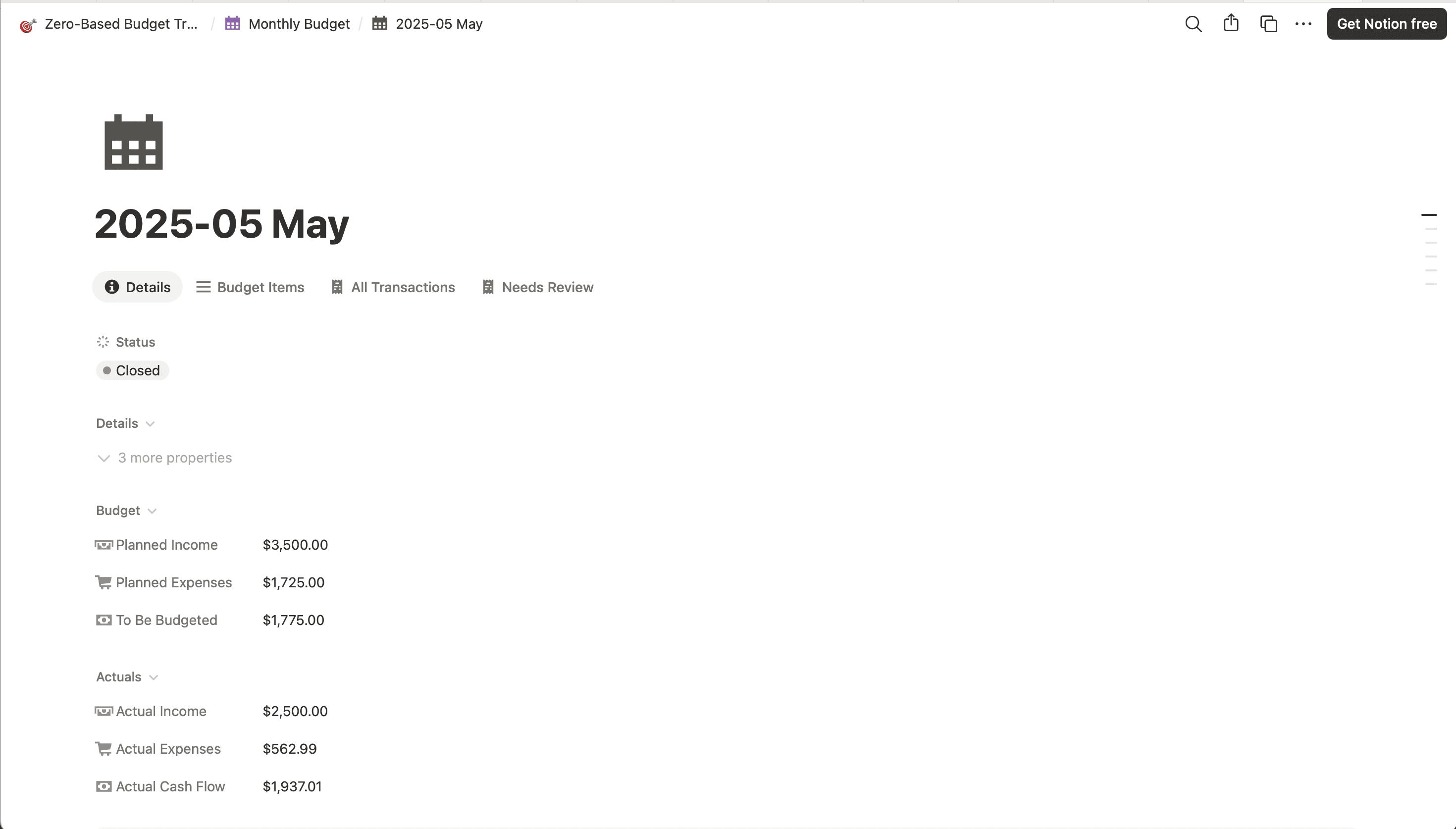
Zero-based budget
The same idea in Notion, with income allocation and envelope balances.
Best for
People who already live in Notion
50/30/20 budget questions
- What is the 50/30/20 rule?
- It splits your take-home pay, what lands in your account after tax, into three parts. 50% goes to needs, 30% to wants and 20% to savings and paying down debt. It's a guide, not a law. Rent in an expensive city can push needs past 50%, and the template shows you by how much.
- How does the template decide what's a need and what's a want?
- Every category Finta creates has a default bucket. Rent, groceries, utilities and insurance are needs, eating out and shopping are wants, and savings and investments go to savings and debt. Credit card payments and transfers between your own accounts are ignored, so nothing counts twice. To move a category, pick another bucket in the Bucket column on Categories. The Buckets tab shows where each category landed and why.
- What if my income changes from month to month?
- The Dashboard uses your Income categories for take-home pay. If you're paid on an irregular schedule, type a typical month into the yellow Take-home cell and the targets use that instead. Trends always uses what actually came in, with a year-so-far column that evens out the bumps.
- Where do loan and credit card payments go?
- Loan payments, like a student loan or car payment, count as needs, as the rule treats minimum payments. Anything you pay on top of the minimum counts as savings and debt if you give it its own category in that bucket. Credit card payments are ignored, because the purchases on the card already count in their own categories.
- Do I need Finta to use it?
- No. The template is free and works with transactions you type in yourself. Finta is optional. Connect it and new transactions from your bank land in the sheet as they post, so you stop typing them in. You can try it free without a card.
- I already sync Finta to a Google Sheet. Can I add these tabs to it?
- Yes. In this template, right-click the Dashboard tab, choose Copy to, then Existing spreadsheet, and pick your Finta spreadsheet. Do the same for Buckets and Trends. Every category uses its default bucket straight away. To choose your own, insert a column on your Categories tab, name it Bucket and fill it in.
Free Google Sheets template
Copy the 50/30/20 budget, then decide whether to keep pasting transactions
The template is free. The Finta trial is 7 days, no credit card required.