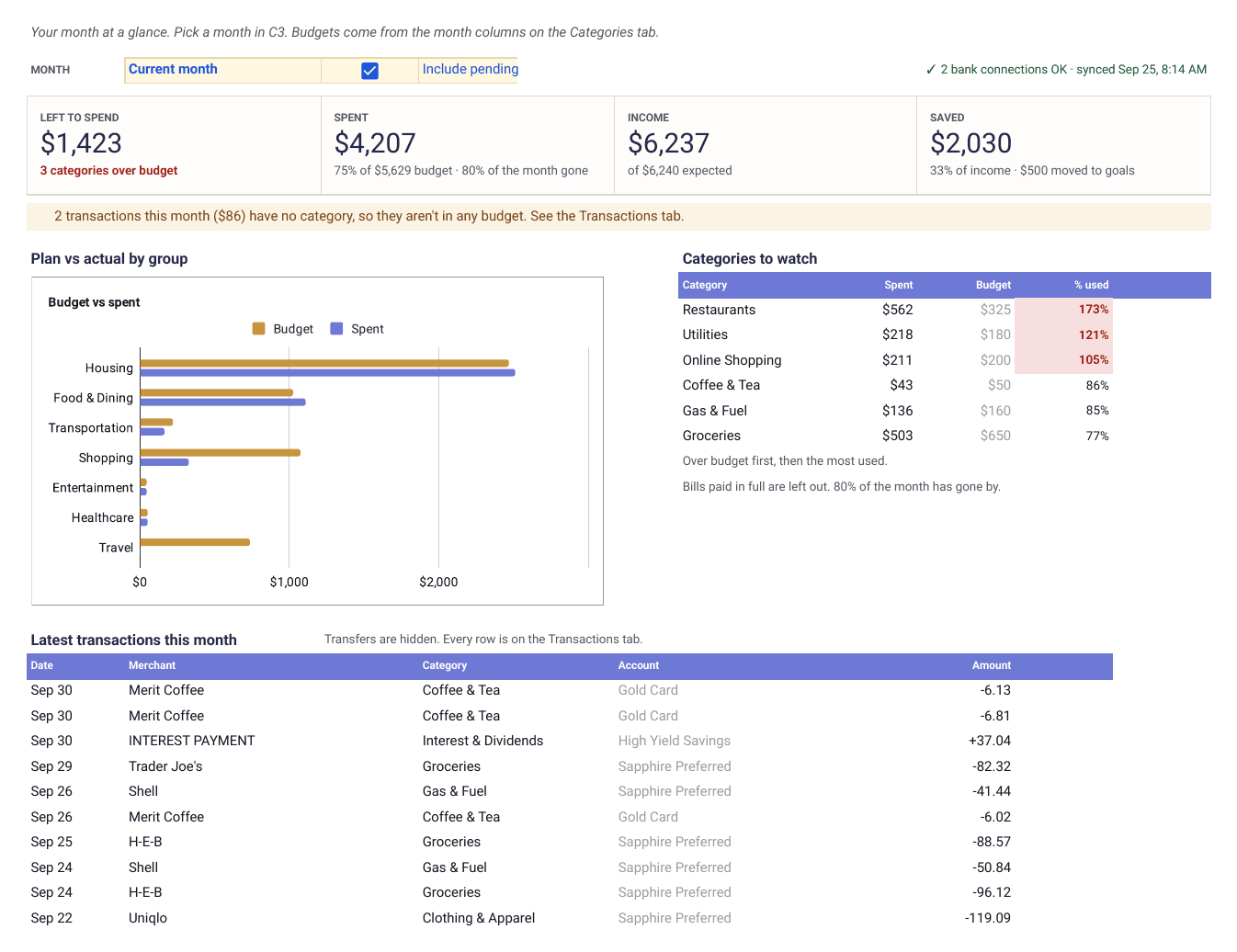
Google Sheets · Personal finance
Free Couples Budget Template for Google Sheets
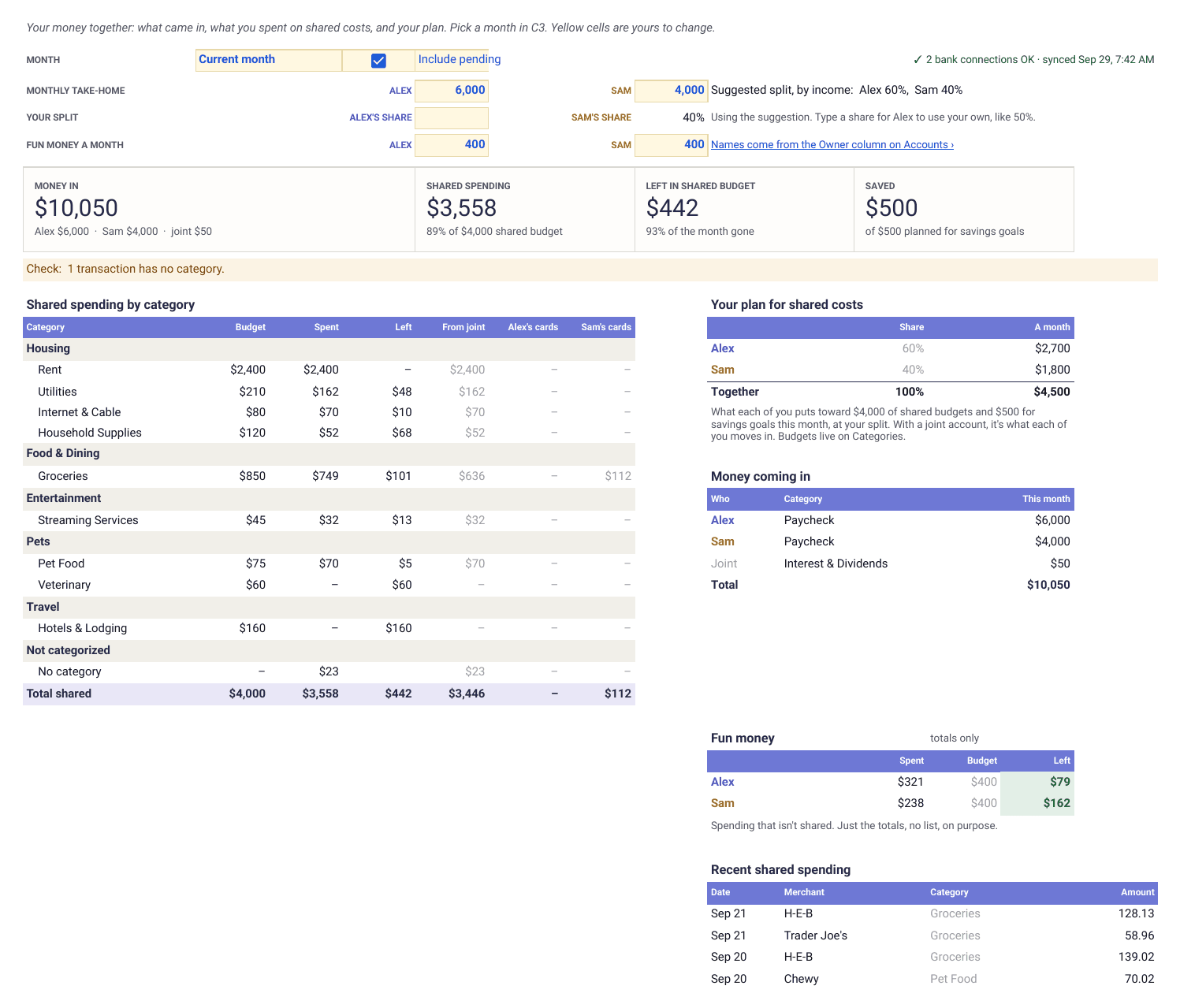
Joint and separate money on one tab. Mark each account as joint or one of yours, tick the costs you split, and see what came in, what you spent together and what each of you puts toward it at a split based on your incomes. Type transactions in, or let Finta fill them in from both of your banks so neither of you keeps the spreadsheet up by hand.
Free. No email. Works in any Google account. Opens a copy in your Drive.
Couples budget
Together tab
Sample data
What's inside
Tab by tab
What each tab does and where its data comes from
You fill in Owner on Accounts, Shared? and budgets on Categories, and your take-home pay at the top of Together. Everything on Together is formulas that read the four source tabs. Delete the sample rows before you start.
- Together
- The month on one page. Money coming in for each of you, shared spending by category against your budgets, your split and the plan it gives each of you, fun money totals, shared goals and the year month by month.
- Formulas · you set the split
- Start Here
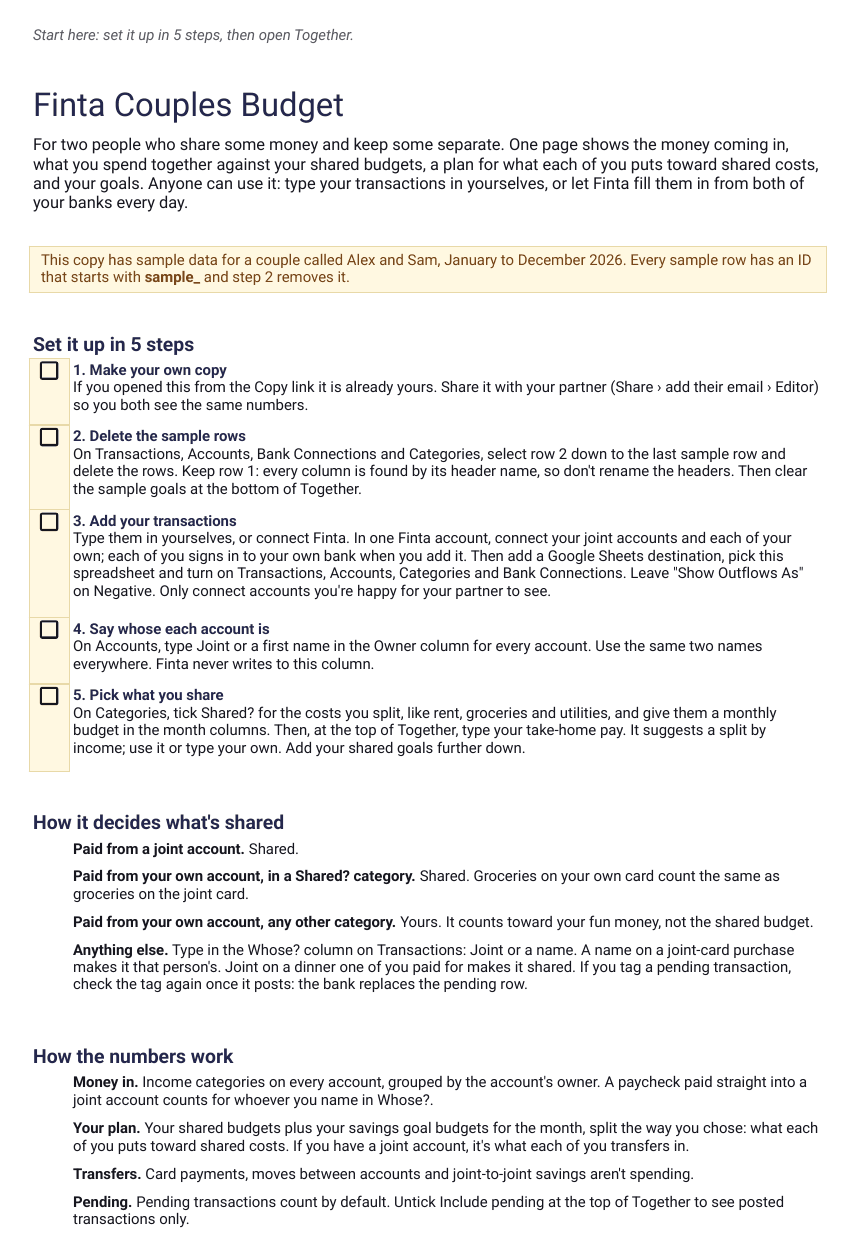
- Five setup steps, how the sheet decides what's shared, and how to add it to a spreadsheet Finta already syncs to.
- Guide
- Transactions
- Date, merchant, amount and category. The Whose? column is yours, for the odd transaction that should count differently.
- Finta · Transactions
- Accounts
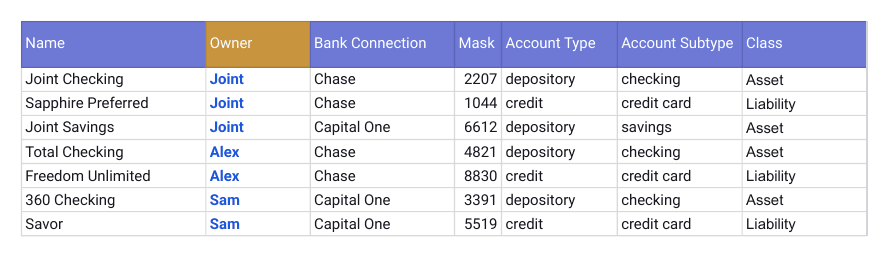
- Every account with its balance. You mark each one Joint or with a first name in the Owner column.
- Finta · Accounts
- Categories
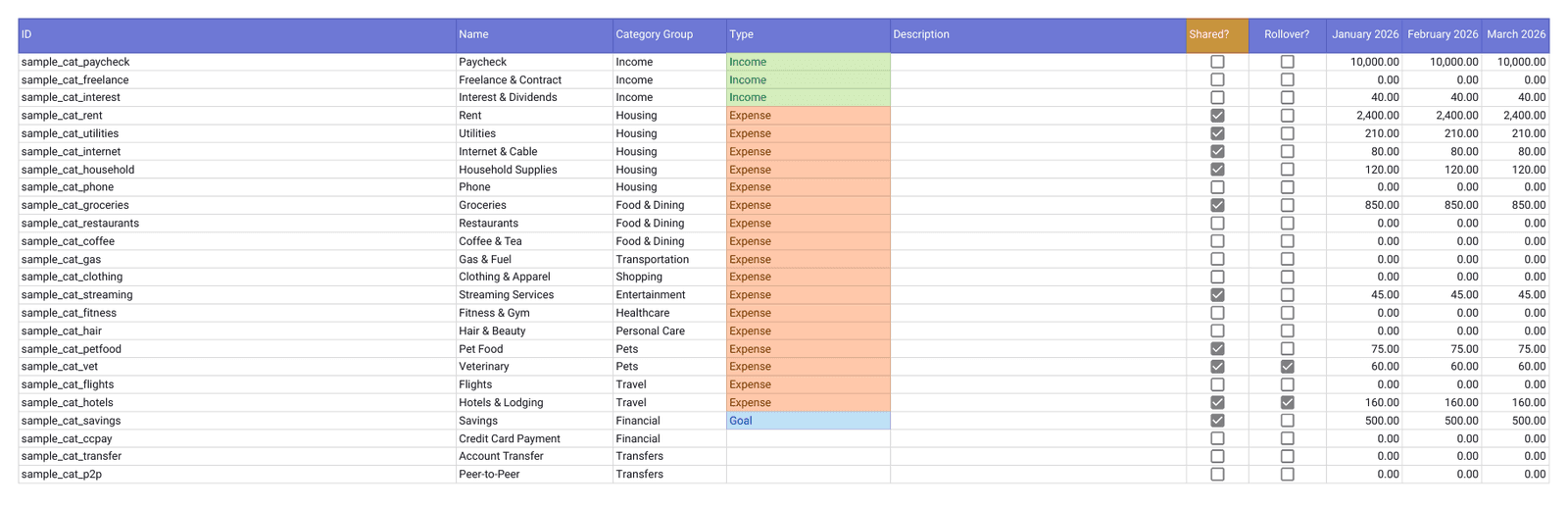
- Your categories and budgets. Tick Shared? on the costs you split and give them a monthly budget.
- Finta · Categories
- Bank Connections
- One row per bank you connect, with its last update. Only Finta fills this tab.
- Finta · Bank Connections
Setup
Set it up together in four steps
Copy the template and share your copy with your partner. It opens with a year of sample data for a couple called Alex and Sam.
Delete the sample rows, then mark each account Joint or with a first name in the Owner column on Accounts.
On Categories, tick Shared? on the costs you split and give them a monthly budget.
Type your take-home pay at the top of Together, keep the suggested split or type your own, and add your transactions by hand or with Finta.
Keep it updated automatically
Let Finta fill it in from both of your banks
In one Finta account, connect your joint accounts and each of your own. Each of you signs in to your own bank when you add it. Choose this sheet and Finta writes new transactions, balances and categories into the four source tabs as your banks post them. Your Owner, Shared? and Whose? columns stay exactly as you set them.
Your bank connects through Finta to this sheet.
Tables to enable
- Bank Connections
- Accounts
- Categories
- Transactions
Start a free trial
7-day free trial. No credit card required.
Layouts
Other ways to lay out a budget
Each layout has its own copy link, and Finta fills them all the same way.
Google Sheets
This page
Couples budget
Joint and separate money on one tab, with shared spending against budgets and a split based on your incomes.
Best for
Two people who share some costs
CopyYou are here
Notion
Opens in Notion
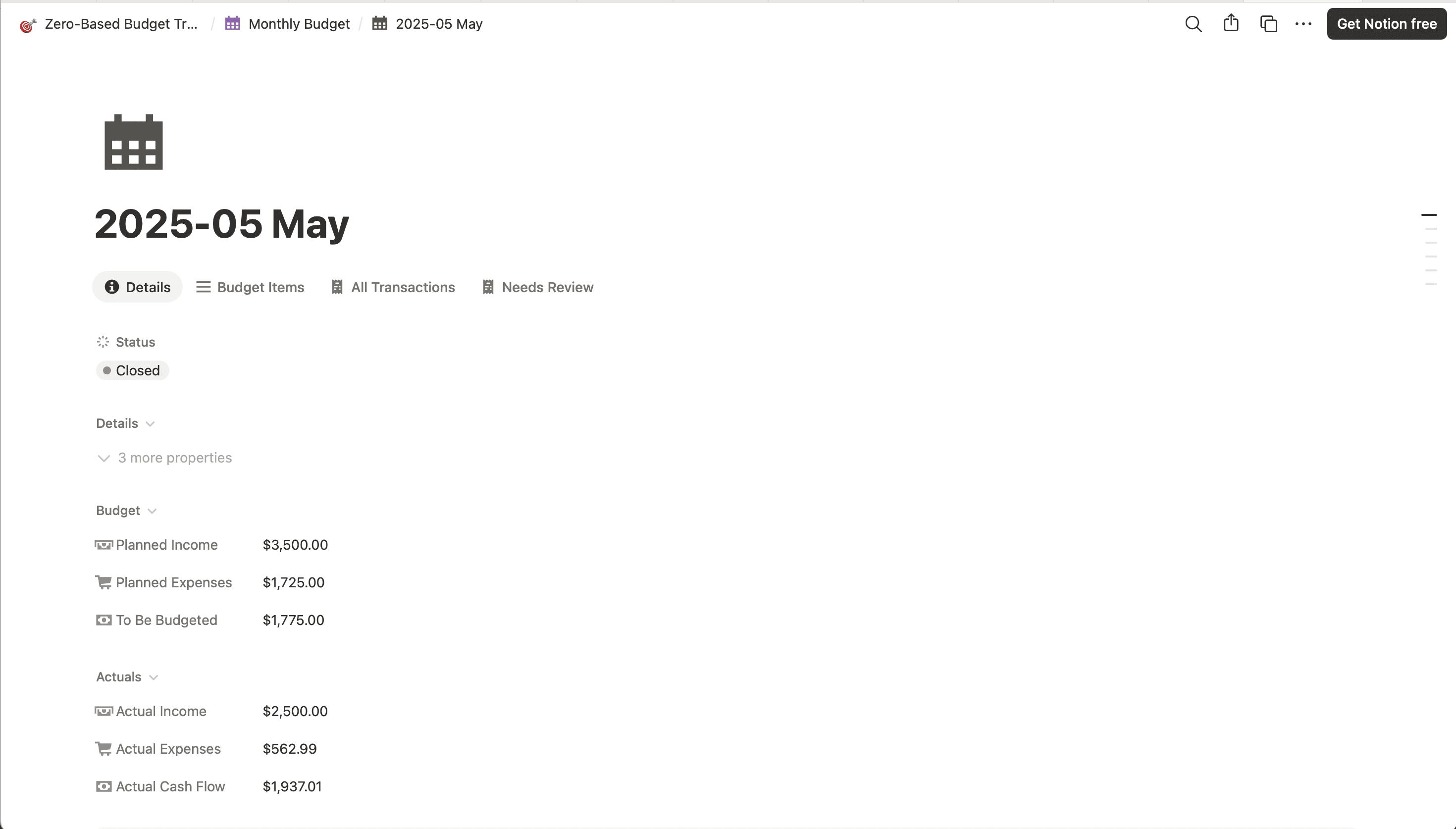
Zero-based budget
The same idea in Notion, with income allocation and envelope balances.
Best for
People who already live in Notion
Couples budget questions
- How does the template know what's shared?
- Anything paid from an account marked Joint is shared. So is anything in a category you tick Shared?, whoever paid for it, so groceries on one person's card count the same as groceries on the joint card. Everything else belongs to the person whose account paid. To change one transaction, pick Joint or a name in its Whose? column.
- How is the split worked out?
- Type each person's monthly take-home pay and the template suggests a split by income, so you each put the same share of your pay toward shared costs. Prefer 50/50 or something else you've agreed on? Type your own share and it replaces the suggestion.
- Does it track who owes whom?
- No, and that's on purpose. It shows what you share, what you spent together and a plan for what each of you puts toward it. There are no balances between the two of you.
- Can we keep some spending private?
- Spending that isn't shared shows up only as a total per person, under Fun money, with no list of purchases. You can both still open the Transactions tab, so only connect accounts you're happy for your partner to see.
- Do we need Finta to use it?
- No. The template is free and works with transactions you type in. Finta is optional. In one Finta account you connect your joint accounts and each of your own, with each of you signing in to your own bank, and new transactions land in the sheet as they post. You can try it free without a card.
- How do shared goals work?
- Add up to 10 goals with a target and a month to reach it. Pick an account and its balance counts as saved, or type what you've saved. The sheet shows how much to put aside each month and each person's part at your split.
- I already sync Finta to a Google Sheet. Can I add this to it?
- Yes. Add three column headers to your spreadsheet, Owner on Accounts, Shared? on Categories and Whose? on Transactions. Then right-click the Together tab in this template, choose Copy to, then Existing spreadsheet, and pick yours. It reads the tabs Finta already made.
Free Google Sheets template
Copy the couples budget and set your split together
The template is free. The Finta trial is 7 days, no credit card required.