Notion · Personal finance
Notion personal finance templates
Personal finance templates for Notion, for the budgets, reviews and check-ins you run on your own money. Each one is a Notion page you duplicate into your own workspace, and Finta can fill its databases once you connect a bank.
2 Notion personal finance templates
Newest first
Notion · Personal finance
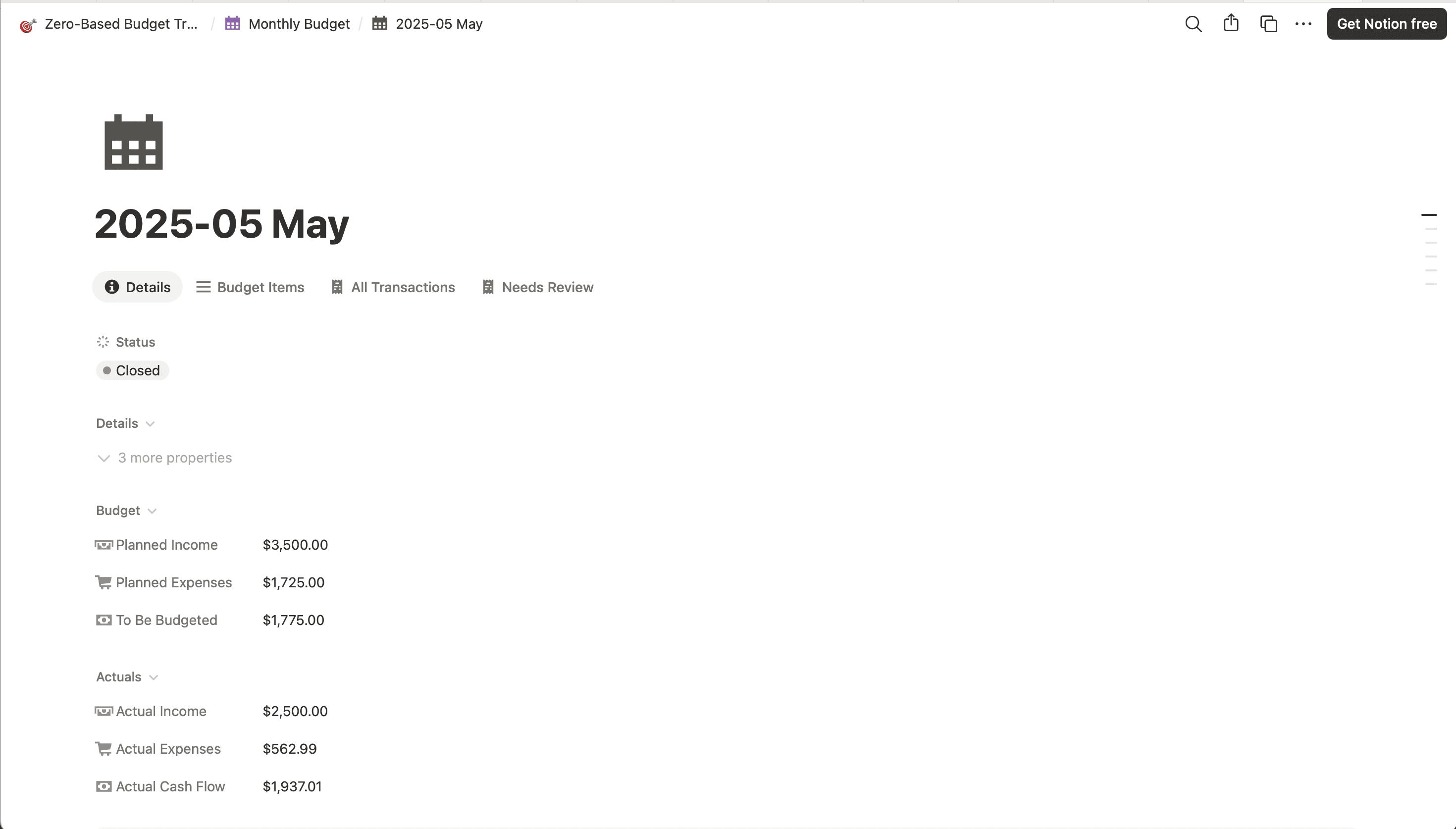
Zero-based budget Notion template
Assign every dollar before the month starts. Envelope balances update as transactions sync.
View template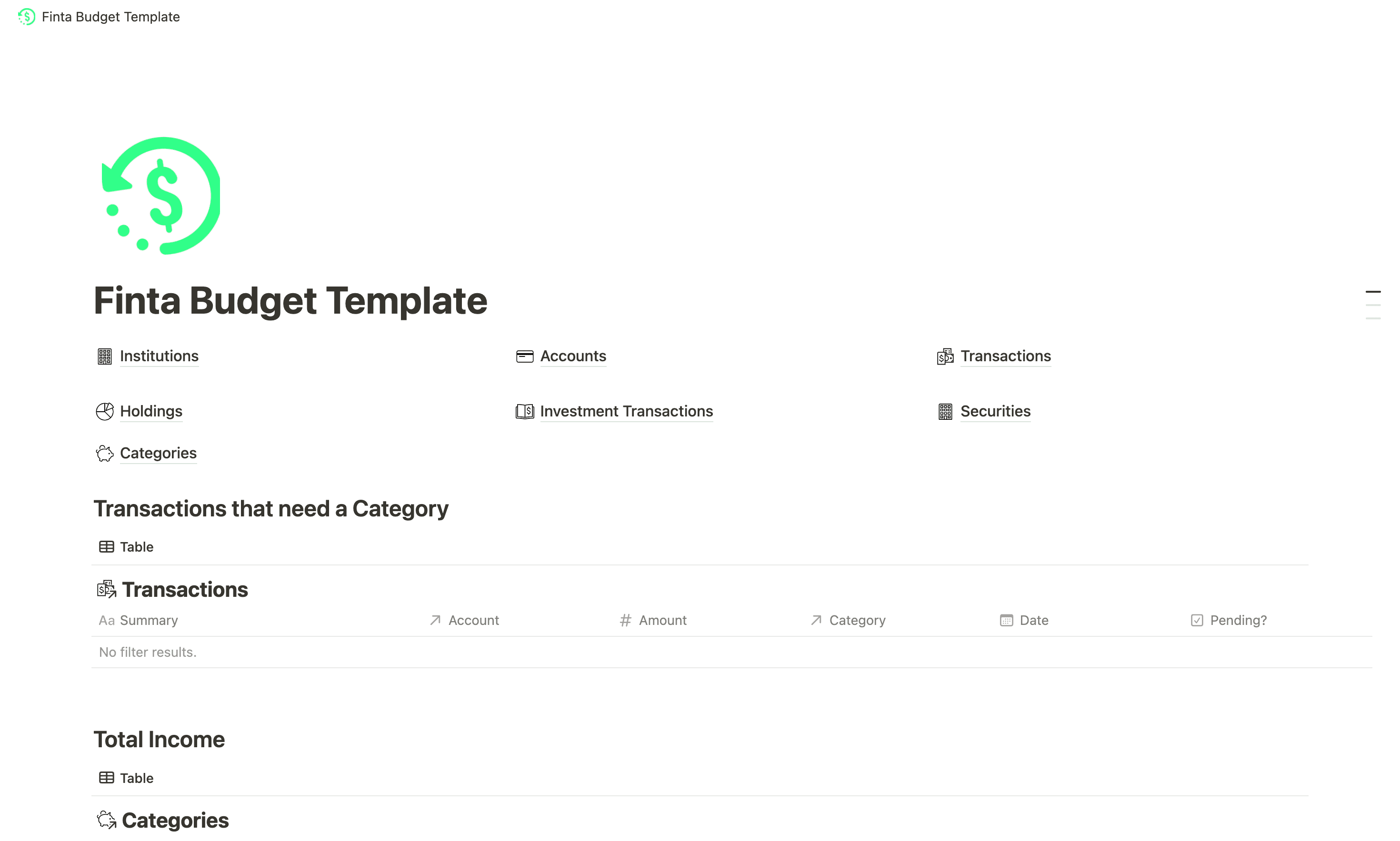
Notion · Personal finance
Starter Notion personal finances template
Income, expenses and investments in one Notion page, on the tables Finta syncs.
View template
How it works
Notion is the destination. Finta is the part that keeps it current.
Connect a bank in Finta, pick the duplicated page as your destination, and choose which databases to sync. Finta adds rows on your bank's schedule and leaves your views, relations and formulas alone. The Notion integration page covers which properties each database carries.
7-day free trial. No credit card required.
Duplicate a template into your workspace.
Both are public Notion pages you can copy in one click.
Set up your categories or envelopes.
These are yours. Finta writes transactions and leaves your categories as you named them.
Connect Finta and select this page.
Enable the databases the template lists. New transactions arrive when your bank posts them.
Notion questions
Before you duplicate one
- Are these templates free?
- Yes. Every template here is free to copy. Finta is a paid subscription with a 7-day free trial; the MCP prompts need it to read your data, and the other templates work without it.
- Do these templates work without Finta?
- Yes. Both work with transactions you type in. Finta only matters when you want the Transactions database to fill on its own.
- Which Notion databases does Finta write to?
- The ones you enable, such as Accounts and Transactions. Each template page lists the databases it uses.