Google Sheets · Personal finance
Google Sheets personal finance templates
Personal finance templates for Google Sheets, for the budgets, reviews and check-ins you run on your own money. Each one is a Google Sheet you copy into your own Drive, and Finta can fill its source tabs once you connect a bank.
5 Google Sheets personal finance templates
Newest first
Google Sheets · Personal finance
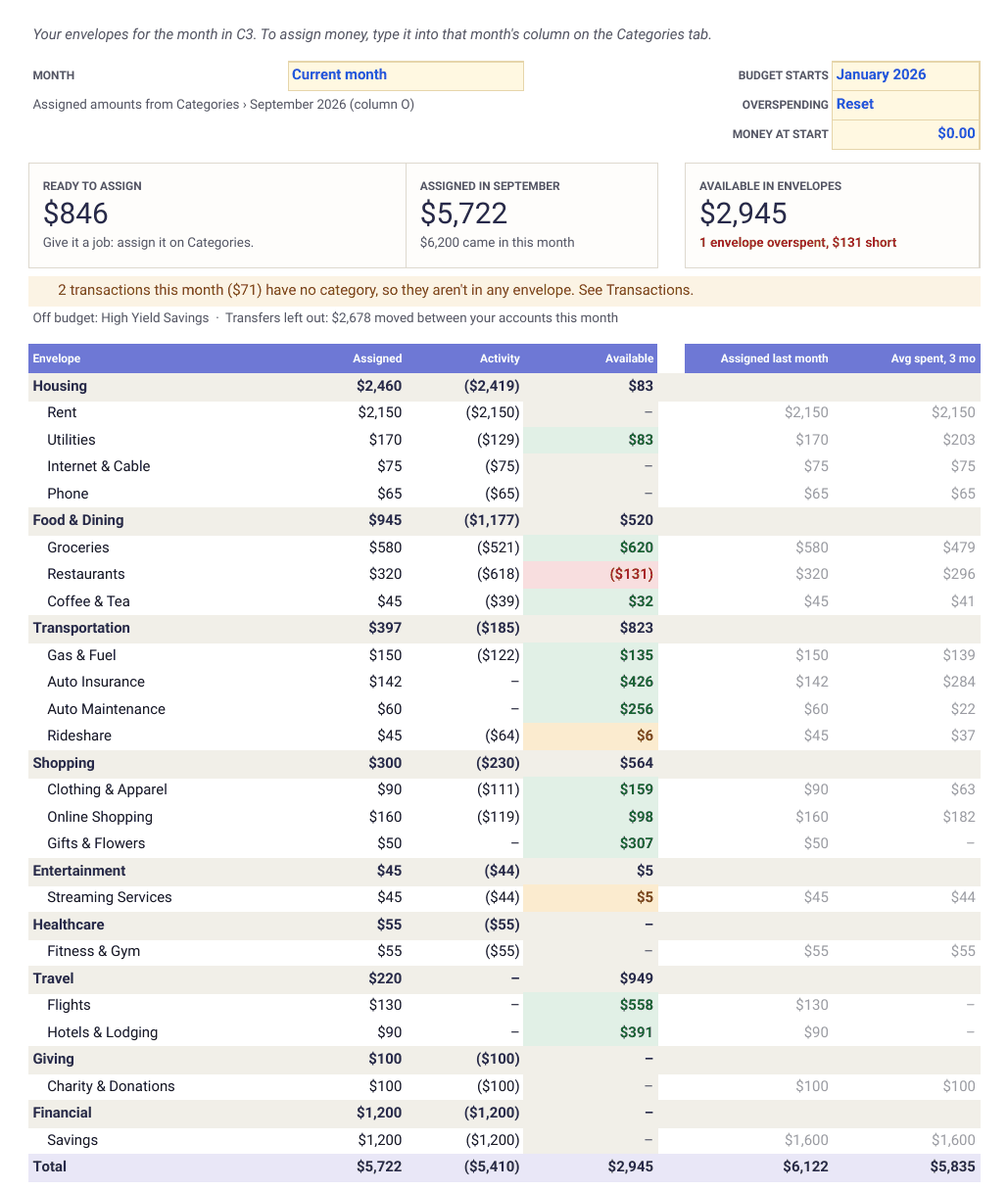
Envelope budget for Google Sheets
Give every dollar a job. Assign money to envelopes, spend from them and carry what's left into next month.
View template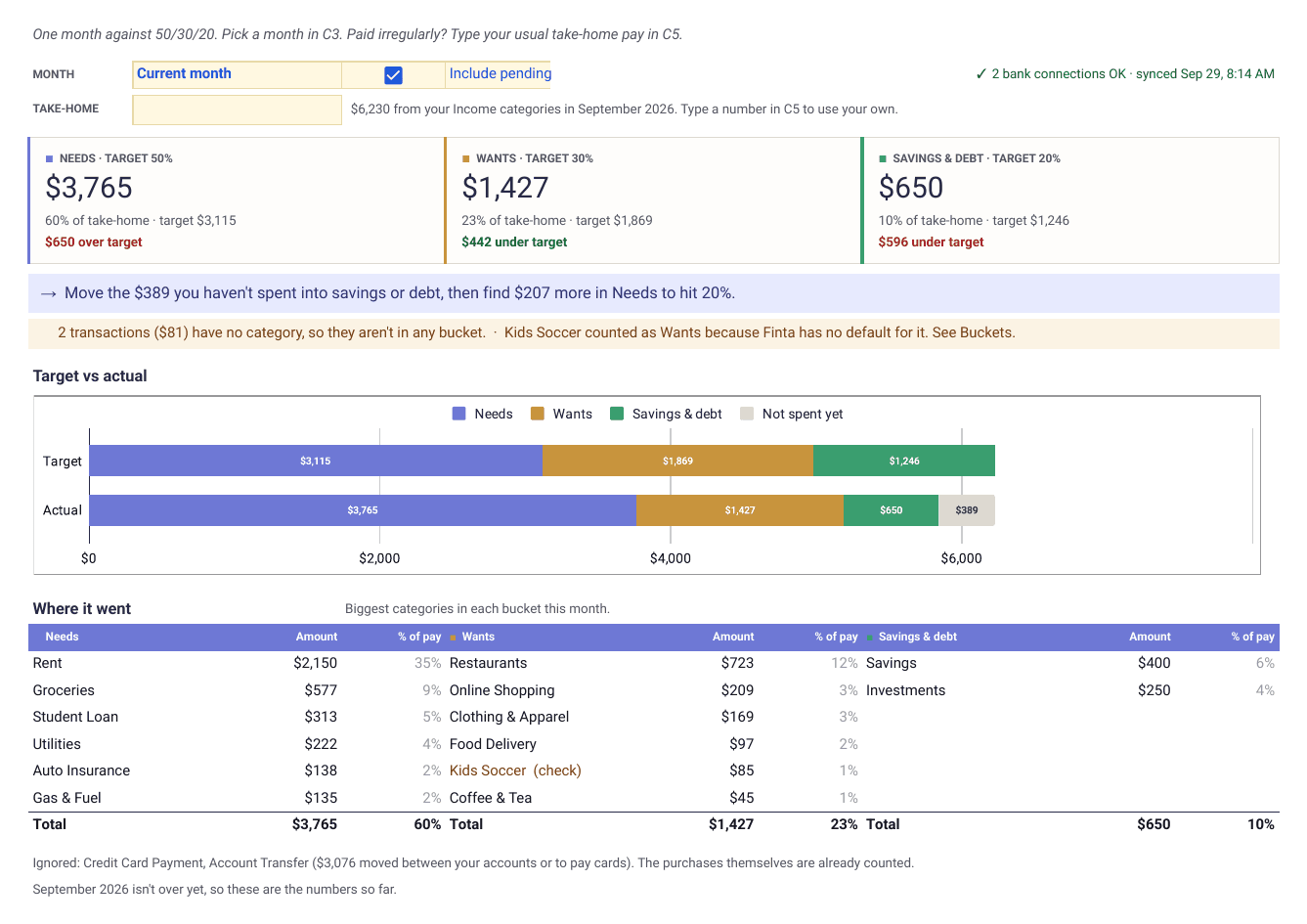
Google Sheets · Personal finance
50/30/20 budget template
Sort every category into needs, wants and savings, then see how close each month comes to 50/30/20 and what to move.
View template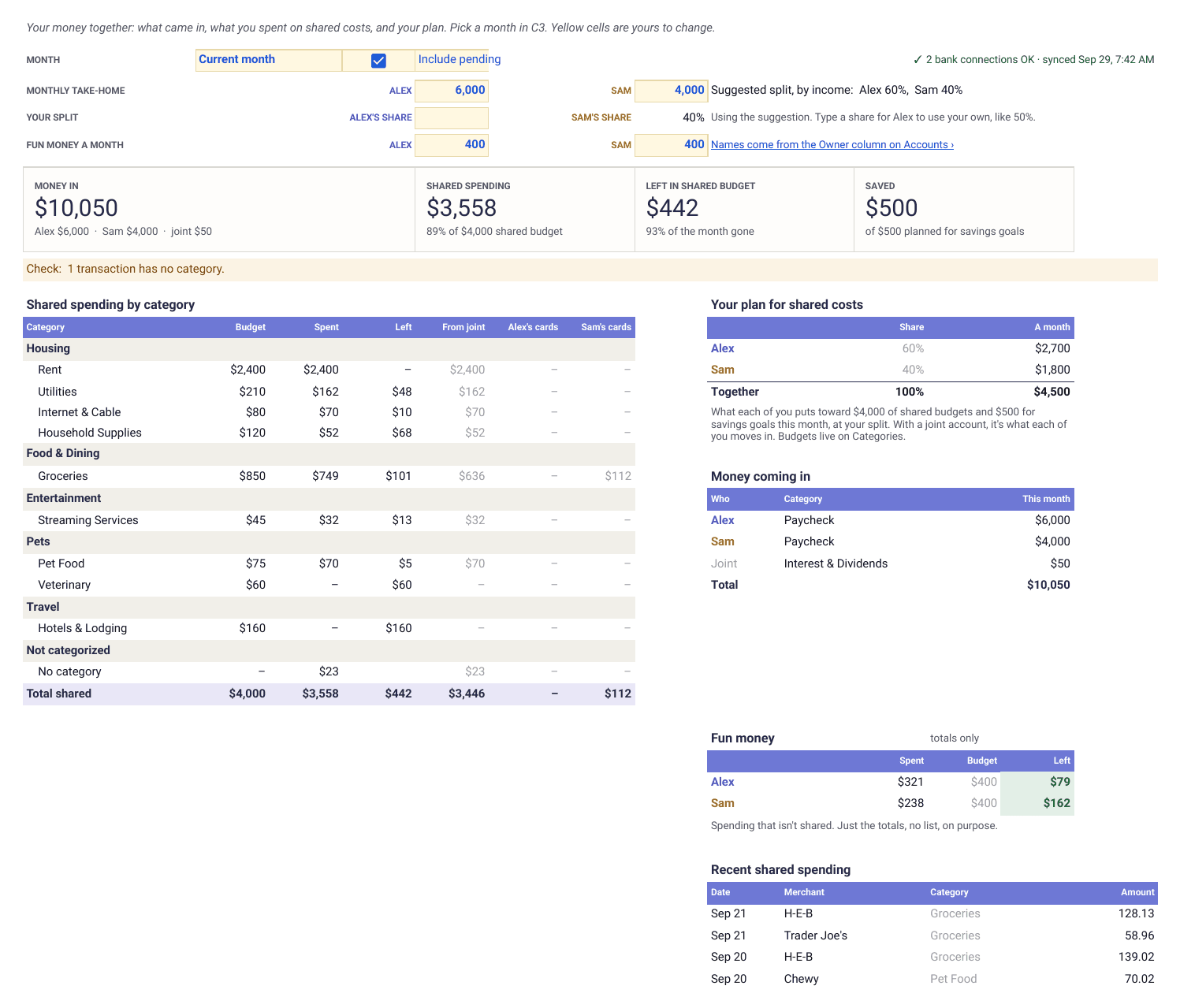
Google Sheets · Personal finance
Couples budget template for Google Sheets
Joint and separate money on one tab, with a split based on your incomes that you can change. Type in transactions or let Finta fill them in.
View template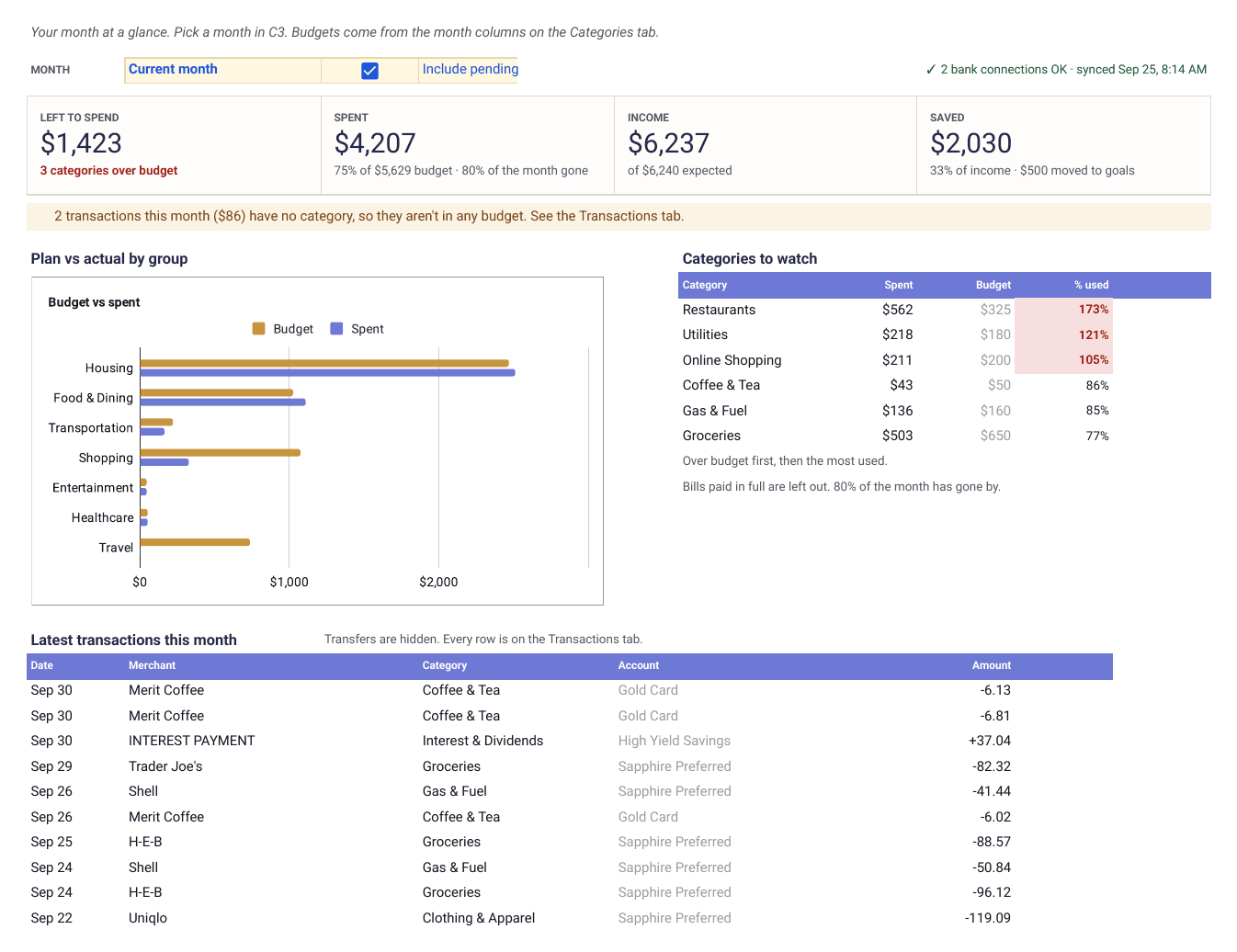
Google Sheets · Personal finance
Google Sheets budget template
A monthly budget with a dashboard, rollover and a year of trends. Type in transactions or let Finta fill them in.
View template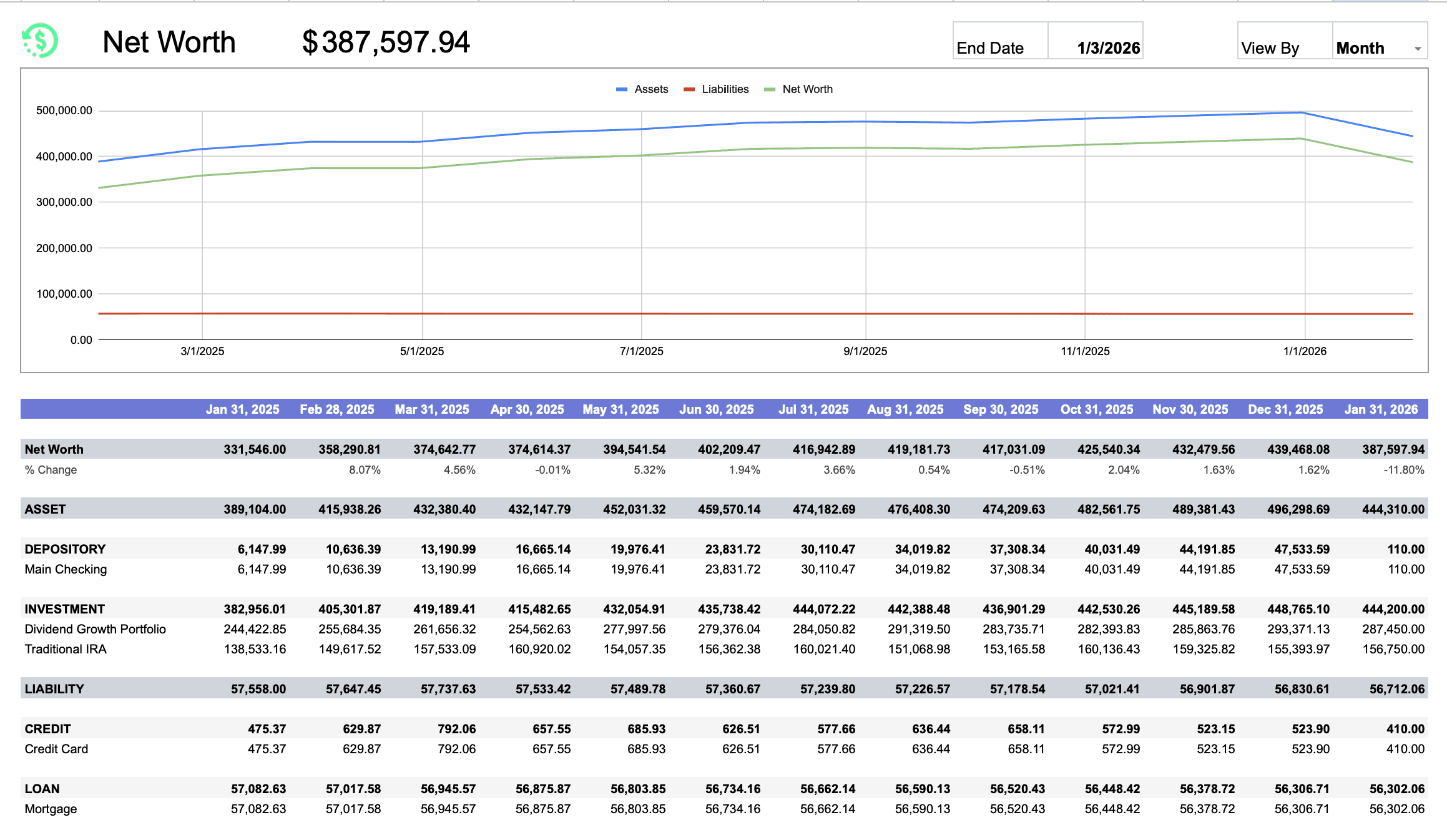
Google Sheets · Net worth
Net worth tracker for Google Sheets
Assets minus liabilities by week, month, quarter or year, with a trend chart from balance snapshots.
View template
How it works
Google Sheets is the destination. Finta is the part that keeps it current.
Connect a bank in Finta, pick the copied sheet as your destination, and choose the tables to sync. Finta writes rows on your bank's schedule and never touches the formulas or the tabs you built. Read how the Google Sheets integration works, including which fields each table carries.
7-day free trial. No credit card required.
Copy a template. It opens as a new sheet in your Google Drive.
Every template is free and needs no email address.
Delete the sample rows on the source tabs, keeping row 1.
That gives Finta clean tabs to write into without breaking a formula.
Connect Finta and select this sheet.
Enable the tables the template lists. New rows appear when your bank posts them.
Google Sheets questions
Before you copy one
- Are these templates free?
- Yes. Every template here is free to copy. Finta is a paid subscription with a 7-day free trial; the MCP prompts need it to read your data, and the other templates work without it.
- Do these templates work without Finta?
- Yes. Each one works with numbers you type in. Finta is optional and only matters when you want the source tabs to update on their own.
- Which Google Sheets tabs does Finta write to?
- Accounts, Transactions, Categories, Balance History and Bank Connections, depending on the tables you enable. Each template page lists the ones it needs.